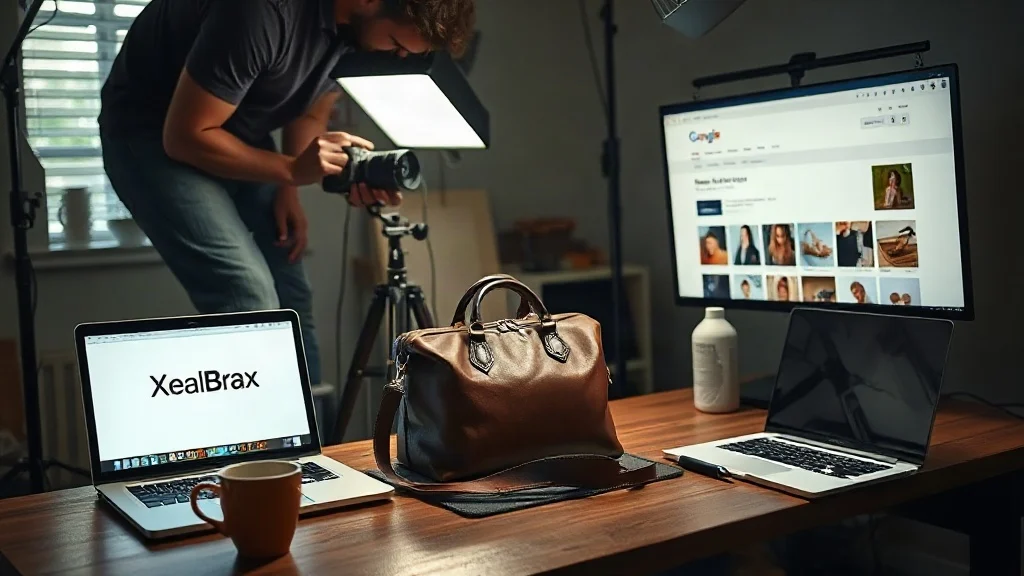
When product images fail to appear in Google Images, the problem is rarely a single setting. On Shopify and WooCommerce stores, image visibility breaks down through missing ALT text, broken image links, weak sitemap signals, and crawl paths that never fully expose product media. The result is predictable: pages may rank, but their images remain invisible in visual search.
Why Shopify & WooCommerce Images Fail to Rank in Google Images
Google Images does not rank files in isolation. It evaluates surrounding page context, image metadata, file delivery, internal linking, and XML sitemap declarations. Shopify and WooCommerce generate images dynamically, often across variant URLs, CDN paths, and lazy-loaded galleries. Without a structured audit, store owners see the symptom, no image traffic, but not the cause.
Three failure classes dominate: ALT text omissions, broken image links, and weak sitemap signals. Each one degrades discovery, relevance, and trust in different ways.
Missing ALT Text Turns Product Images into Invisible Assets
ALT text is not keyword stuffing. It gives search engines and assistive technologies a description of what an image contains. WooCommerce media libraries often inherit file names such as IMG_2034.jpg. Shopify product images may use CDN hashes. Both create zero semantic signal. When ALT text is empty or generic, Google Images cannot confidently associate the image with a product query.
Fixing ALT text is editorial work, not merely a technical checkbox. Product title, variation, material, colour, and use case should be described naturally. A red cotton summer dress should not have ALT text that says “product image 1.” It should say something useful and specific. Without an audit, merchants rarely know which images have ALT text, which repeat, or which are missing entirely across hundreds of variants.
Scale makes the problem worse. A store with 500 products and multiple images per product may have thousands of missing descriptions. Manual review is slow, but an automated audit exposes the gaps in seconds.
Broken Image Links Waste Crawl Budget and Erode Trust
Broken image links occur when product images are deleted, variant URLs change, CDN paths expire, or migrations leave 404 errors. Google may crawl the page, attempt the image, and hit a dead end. This wastes crawl budget and weakens page quality signals. On Shopify, theme updates or app conflicts can silently break image references. On WooCommerce, media library cleanup, plugin changes, or server migrations can produce the same result.
A free 60-second SEO audit makes these failures visible by checking image links alongside page-level SEO health. It surfaces broken assets before they silently suppress image visibility.
Weak Sitemap Signals Limit Image Discovery
XML sitemaps are not just for pages. Image sitemap extensions help search engines discover image URLs, especially those loaded by JavaScript or hidden behind gallery interactions. Many Shopify and WooCommerce stores publish a basic sitemap but omit image-specific entries, captions, or titles. Robots.txt rules may also block image directories or CDN paths unintentionally.
According to Google’s official image SEO guidance, image discovery depends on crawlable URLs, descriptive metadata, and clear sitemap declarations. When those signals are weak, even high-quality product photography can remain unindexed.
Find the Exact Image SEO Failures Blocking Your Store A free 60-second audit reveals missing ALT text, broken image links, and weak sitemap signals before they continue suppressing Google Images visibility.
Explore Free SEO, AI & Visibility Tools for Websites, Stores and Creators | XealBrax
How a Free 60-Second SEO Audit Surfaces Image SEO Failures
XealBrax provides a Free SEO Audit Tool that analyzes website SEO health in under 60 seconds. It checks title tags, meta descriptions, heading structure, internal links, image ALT text, schema, Open Graph tags, sitemap signals, robots.txt, and performance indicators. For Shopify and WooCommerce stores, this creates a diagnostic map: which product images lack descriptions, which image URLs return errors, and which sitemap signals are missing or malformed.
Instead of guessing, merchants can prioritise fixes by impact. The audit is privacy-conscious and requires no credit card. It also fits alongside the Advanced Meta Tag Generator, AI Product Listing Optimizer, and XealBrax Community. Together, these tools support a broader visibility workflow, but the immediate priority is diagnostic clarity.
Fixing Image SEO Without Breaking Shopify or WooCommerce
After the audit, the workflow becomes manageable. First, export pages with missing ALT text and write descriptive, product-specific descriptions. Second, repair broken image links by restoring media, updating references, or adding redirects where appropriate. Third, regenerate the sitemap with image entries and validate robots.txt. Fourth, strengthen product structured data so images are tied to clear entities. Fifth, monitor performance after each change.
For store owners managing many SKUs, automation matters. The AI Product Listing Optimizer can generate product titles, descriptions, bullet points, and sales copy, which can inform consistent ALT text and image context. Yet the immediate priority is still diagnostic clarity: know what is broken before trying to fix everything at once.
Image SEO Is a Visibility System, Not a One-Time Task
Google Images ranking is not static. New products, variant changes, theme updates, CDN changes, and plugin updates can reintroduce ALT gaps, broken links, and sitemap omissions. Stores need repeatable checks. A 60-second audit can be run after every catalog update, migration, or campaign launch. Over time, this turns image optimisation from an emergency fix into a visibility habit.
FAQ
What causes Shopify and WooCommerce images to not rank in Google Images?
Common causes include missing or generic ALT text, broken image links from deleted files or changed URLs, weak XML sitemap signals, blocked image paths in robots.txt, and thin surrounding page context. These issues prevent Google from discovering, understanding, and confidently ranking product images.
How does a free 60-second SEO audit help with image SEO?
A free 60-second SEO audit checks image ALT text, broken image links, sitemap signals, robots.txt, schema, Open Graph tags, and other on-page factors. It identifies which image assets lack descriptive metadata and which technical paths are limiting image discovery.
Can I fix image SEO without a developer?
Yes. Many fixes are editorial and configuration-based: adding descriptive ALT text, repairing broken image links, updating sitemap settings, and improving product descriptions. A clear audit reduces the need for guesswork and helps store owners prioritise what to fix first.
Turn Image Visibility into a Repeatable Growth System Run the free 60-second audit after every product launch, migration, or theme update to keep ALT text, image links, and sitemap signals working for Google Images.
Explore Free SEO, AI & Visibility Tools for Websites, Stores and Creators | XealBrax

A Personal Note From Collins E. Iyorah, Founder of XealBrax
I built XealBrax because creators, bloggers, and small businesses shouldn’t have to piece together fragmented tools to grow online. Whether you are optimizing your website performance, utilizing our AI-driven utilities, or scaling through our Creator Network, our goal is to give you a transparent, penalty-free path to digital success. If you want a complete look at how we help brands scale, read my personal guide to get started.