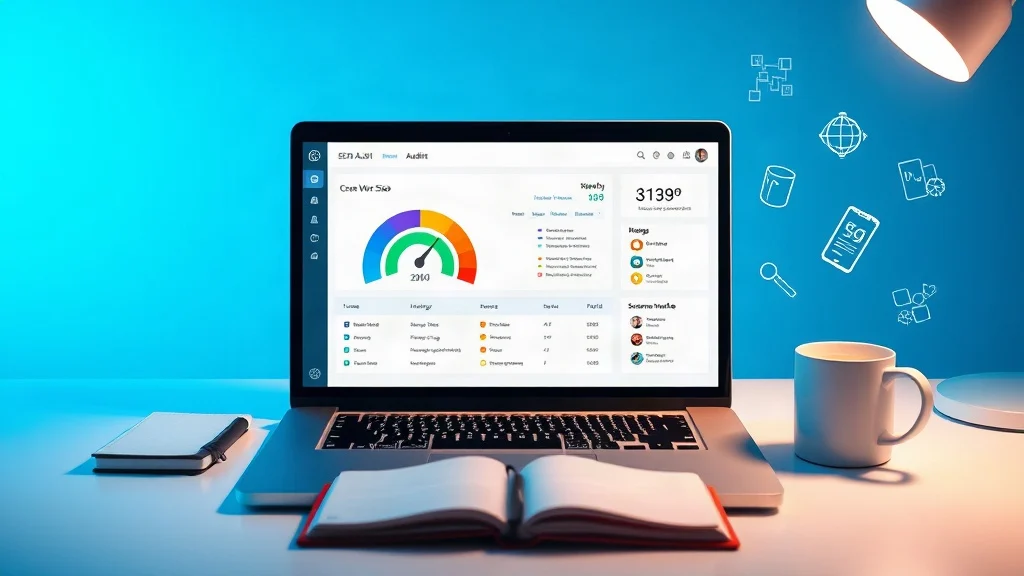
If your organic traffic is slipping and your pages still look fine in a browser, the problem is probably not your content. It is likely hidden in the technical layer: slow server responses, unstable Core Web Vitals, broken schema, crawl traps, duplicate canonicals, or mobile rendering gaps. These issues do not announce themselves. They quietly suppress rankings while you keep publishing. That is why we built a free 60-second website audit that checks speed, Core Web Vitals, schema, and the on-page signals search engines use to decide whether your site deserves visibility.
The Hidden Technical SEO Problems That Rarely Show Up in a Basic Audit
Most site owners start with the visible checklist: title tags, meta descriptions, keyword placement, and maybe a broken-link scan. Those checks matter, but they miss the issues that actually kill rankings at scale. A page can have perfect metadata and still fail because Google cannot render its JavaScript, because the largest content element loads after five seconds, or because conflicting schema markup makes the page ineligible for rich results.
Our free SEO audit tool analyzes website health in under 60 seconds. It reviews titles, meta descriptions, headings, internal links, image ALT text, schema markup, mobile performance, Core Web Vitals, and technical SEO issues. Instead of asking you to interpret raw crawl data, it generates an instant preview and a full report by email so you can see what is broken, what is missing, and what to fix first.
Stop guessing which technical issue is holding you back. Our free audit surfaces speed, Core Web Vitals, schema, and crawl-level problems in under 60 seconds, so you can fix what actually affects rankings.
Explore Free SEO Audit Tool – Check Website SEO, Speed & Visibility Issues
Speed and Core Web Vitals: The Silent Ranking Leak
Core Web Vitals are not vanity metrics. They describe how real users experience your page: how quickly the main content loads, how fast the page responds to input, and how much the layout shifts while loading. On mobile, where most searches happen, a slow LCP or high CLS can make a page feel unreliable even when the content is strong.
Consider a hypothetical Shopify store selling outdoor gear. The homepage looks fast on a desktop with fiber internet, but mobile users wait 4.6 seconds for the hero image, tap Add to Cart while the page is still shifting, and bounce before the interaction registers. Rankings for high-intent category terms slide from page one to page two. The content did not change. The backlink profile did not collapse. The technical experience did.
Our audit flags the speed and Core Web Vitals problems that are easiest to miss: uncompressed images, render-blocking scripts, excessive third-party tags, poor font loading, slow server response, and layout shifts caused by ads or embeds. Because the report includes technical SEO issues alongside performance data, you can connect the ranking symptom to the underlying code and hosting problem.
Schema Markup and Rich Results: The Structured Data Blind Spot
Schema markup helps search engines understand entities, relationships, and page purpose. Product schema can power price and availability snippets. FAQ schema can clarify question-and-answer content. LocalBusiness, Article, BreadcrumbList, and Review markup can all influence how your pages appear in search. When schema is missing, duplicated, or invalid, you lose visibility opportunities without seeing an obvious error in the browser.
For a deeper reference, see Google’s structured data documentation. The key is not to add every possible type. It is to implement the markup that matches the page, validate it, and keep it consistent with the visible content.
Our audit checks schema markup as part of the 60-second health scan. If your e-commerce product pages are missing Product schema, if your service pages lack LocalBusiness or Service markup, or if your blog posts have broken Article data, the report surfaces those gaps. That is often the difference between appearing as a standard blue link and earning a richer, more clickable result.
The 60-Second Audit Workflow: Diagnose Before You Fix
Technical SEO fails when teams fix symptoms in random order. A better workflow is to diagnose, prioritize, and then implement. Here is how the free XealBrax audit fits into that process.
- Enter your website URL. The tool begins analyzing the page immediately.
- Wait less than 60 seconds. The audit runs checks across metadata, headings, links, image ALT text, schema, mobile performance, Core Web Vitals, and technical SEO.
- Review the instant preview. See the most visible problems before you leave the page.
- Open the full report by email. Use the detailed findings to build a prioritized fix list.
- Separate critical blockers from enhancements. Fix crawl, indexing, canonical, and speed issues first. Then improve schema, metadata, and conversion elements.
- Implement and re-audit. After changes go live, run the audit again to confirm the issue is resolved.
If you do not have an in-house developer, XealBrax also provides professional services to fix identified issues, including technical SEO, WordPress speed optimization, metadata improvements, schema implementation, and conversion rate optimization. The audit tells you what is wrong; our team can help you correct it without wasting budget on traffic before the foundation is stable.
You do not need another dashboard; you need a prioritized fix list. The free XealBrax SEO audit gives you an instant preview and a full report by email so you can fix technical SEO, speed, and schema issues in the right order.
Explore Free SEO Audit Tool – Check Website SEO, Speed & Visibility Issues

Case Study: How a Hidden Canonical and Slow LCP Killed an E-commerce Category
A hypothetical online home-goods store came to us because its top category pages had dropped from positions 3 – 5 to the middle of page two. The content was strong, the backlinks were stable, and the store had not changed its keyword targeting. On the surface, nothing looked broken.
The audit revealed three hidden issues. First, paginated category pages had canonical tags pointing to the first page, which diluted the visibility of deeper product listings. Second, mobile LCP was 5.1 seconds because the category hero image was uncompressed and loaded before critical CSS. Third, Product schema was missing from variant product pages, so rich results disappeared for several high-intent queries.
The fix sequence mattered. We corrected the canonical logic, compressed and lazy-loaded the hero image, optimized critical CSS, and implemented consistent Product schema. Within weeks, the category pages regained visibility, and the improved mobile experience reduced bounce on commercial pages. The lesson is simple: hidden technical issues often look like ranking volatility, but they are fixable when you diagnose them directly.
Common Technical SEO Traps to Check Before Google Does
Use the audit as a recurring diagnostic, not a one-time cleanup. These are the traps we see most often in small business, creator, WordPress, Shopify, and service-page sites.
- Accidental noindex or robots.txt blocks: A staging setting or plugin conflict can hide entire sections from search.
- Canonical conflicts: Duplicate or self-referencing canonicals can send the wrong consolidation signal.
- Slow server response and render-blocking assets: High TTFB, heavy JavaScript, and unoptimized CSS delay the content users came to see.
- Mobile content parity gaps: Content hidden on mobile may be ignored by mobile-first indexing.
- Broken internal links and orphan pages: Weak crawl paths limit discovery and dilute internal link equity.
- Missing image ALT text: Accessibility and image search visibility both suffer.
- Schema errors and missing markup: Invalid structured data can prevent rich results.
- Duplicate or missing metadata: Thin snippets reduce click-through even when rankings exist.
Our free audit tool checks these areas in a single pass. The goal is not to overwhelm you with every imperfection. It is to identify the technical SEO issues that are actively suppressing rankings, then give you a clear path to fix them.
FAQ
How long does the free website audit take?
The audit analyzes your site in under 60 seconds and then generates an instant preview plus a full report by email.
What does the audit check?
It checks titles, meta descriptions, headings, internal links, image ALT text, schema markup, mobile performance, Core Web Vitals, and technical SEO issues.
Can XealBrax fix the issues found in the audit?
Yes. Beyond the free audit, we provide professional services for technical SEO, WordPress speed optimization, metadata improvements, schema implementation, and conversion rate optimization.

A Personal Note From Collins E. Iyorah, Founder of XealBrax
I built XealBrax because creators, bloggers, and small businesses shouldn’t have to piece together fragmented tools to grow online. Whether you are optimizing your website performance, utilizing our AI-driven utilities, or scaling through our Creator Network, our goal is to give you a transparent, penalty-free path to digital success. If you want a complete look at how we help brands scale, read my personal guide to get started.