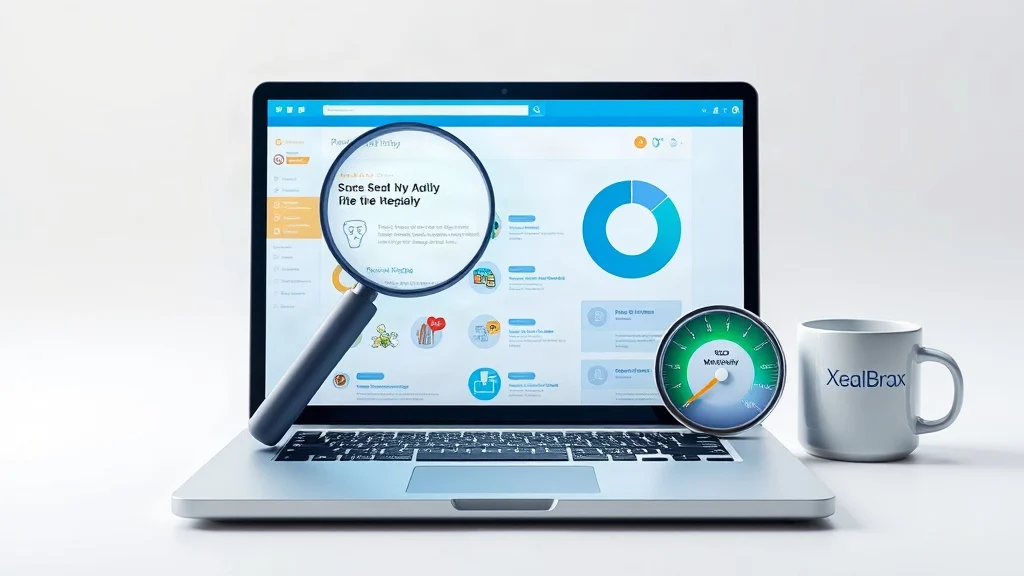
You have done the hard part. You researched the keyword, wrote a comprehensive post, added internal links, and hit publish. Three weeks later, the post sits on page four while thinner content outranks it. That is frustrating, but it is rarely a content-quality problem. On WordPress, good content often gets buried by hidden technical SEO issues, broken indexation rules, and Core Web Vitals failures that never show up in the editor.
The fastest way to find those invisible blockers is to run a free SEO audit before you write another word or buy more traffic. A 60-second scan can reveal whether Google can crawl, render, index, and trust your pages. Without that diagnostic step, you are optimizing blind.
Stop guessing why your content is invisible. The free SEO audit tool checks the technical and Core Web Vitals signals that WordPress hides from you, so you can fix what actually blocks rankings.
Explore Free SEO Audit Tool – Check Website SEO, Speed & Visibility Issues
The Real Reason Good WordPress Content Stalls
Google does not rank content in isolation. It ranks URLs after crawling, rendering, and indexing them. WordPress adds layers: themes, plugins, caching, CDNs, page builders, comment systems, related-post modules, and tracking scripts. Each layer can introduce a technical defect that tells Google do not index this page or this page is slow and unstable. You can have the best answer on the internet and still lose because the delivery system fails.
Common symptoms include pages that disappear from Search Console, posts that rank on desktop but not mobile, categories outranking service pages, and product pages that never appear in shopping results. None of these are solved by writing more content. They are solved by auditing the technical foundation.
Technical SEO Issues Hiding in Plain Sight on WordPress
A 60-second SEO audit surfaces the issues that manual checks miss because they live across plugins and templates. The audit examines titles, meta descriptions, headings, internal links, image ALT text, schema markup, mobile performance, Core Web Vitals, and technical SEO issues. For WordPress users, the most damaging findings usually fall into five groups:
- Indexation conflicts: A staging site is still live, a SEO plugin setting accidentally applies
noindexto entire post types, or canonical tags point to the wrong URL. - Duplicate and missing metadata: Archive pages, tags, and paginated URLs compete with your main content because titles and descriptions are auto-generated or empty.
- Broken internal links and orphan pages: Important posts receive no internal links, so Google treats them as low priority.
- Missing or invalid schema: Without Article, Product, FAQ, LocalBusiness, or Breadcrumb schema, search engines struggle to understand entities and eligibility for rich results.
- Mobile rendering problems: A desktop-friendly layout can hide content, block scripts, or create tap-target issues on mobile, where Google primarily indexes.
Consider a hypothetical service business that published twenty expert guides. The content was excellent, but a developer had left the WordPress blog_public setting set to discourage search engines after a site migration. Every page returned noindex. Rankings did not improve for six months. A free audit would have flagged the site-wide indexation block in seconds. That is the difference between guessing and diagnosing.
Core Web Vitals: The Silent Ranking and Conversion Killer
Core Web Vitals measure real user experience: loading, interactivity, and visual stability. Google uses them as a ranking signal, and visitors use them as a trust signal. If your Largest Contentful Paint (LCP) is slow, Interaction to Next Paint (INP) is delayed, or Cumulative Layout Shift (CLS) is high, you are fighting an uphill battle even with superior content.
Official thresholds and guidance are maintained by the web performance community at web.dev/articles/vitals. In practical WordPress terms, the usual culprits are unoptimized hero images, render-blocking JavaScript from plugins, too many fonts, no page caching, cheap shared hosting, and page builders that load hundreds of kilobytes of CSS. A single slider plugin or chat widget can push INP from 120ms to 400ms.
Imagine a WooCommerce store with detailed product descriptions and strong reviews. Its LCP is 5.1 seconds on mobile, CLS is 0.31, and INP is 380ms. Google may still crawl the pages, but users bounce before the buy button appears. The store owner keeps adding products and running ads, while the real problem is a 5-second load time caused by uncompressed images and render-blocking scripts. Fixing those issues is not cosmetic; it directly affects revenue.
What the Free 60-Second SEO Audit Actually Checks
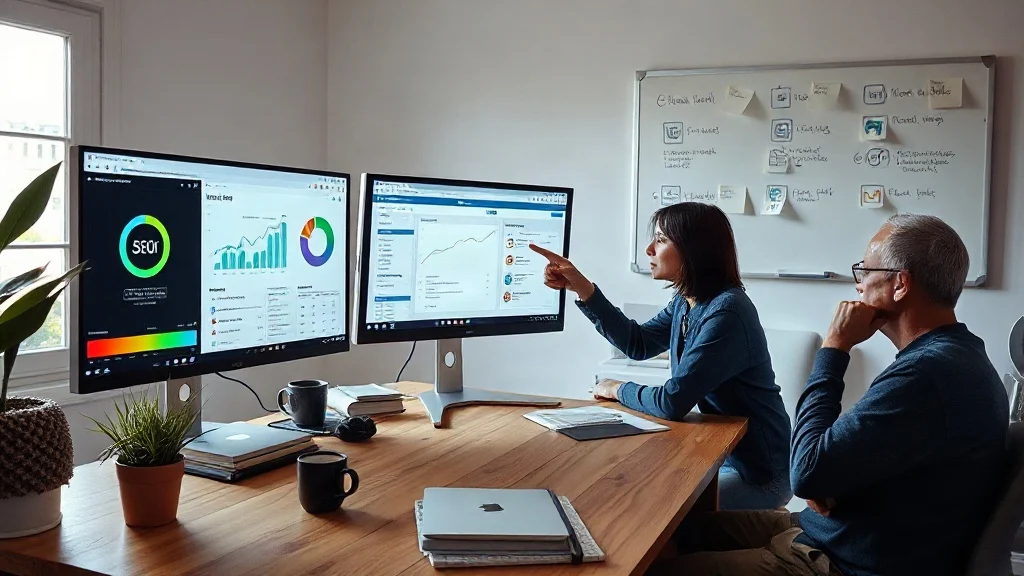
XealBrax built its free SEO audit tool to give WordPress users a fast, plain-language diagnosis before they invest in more content or paid traffic. In under 60 seconds, the tool analyzes website health and checks titles, meta descriptions, headings, internal links, image ALT text, schema markup, mobile performance, Core Web Vitals, and technical SEO issues. It generates an instant preview so you can see priority problems immediately, then sends a full report by email for deeper review.
The audit is designed for small businesses, creators, e-commerce stores, WordPress and Shopify sites, and service pages. If your site falls into any of those categories, the report will tell you whether the problem is technical, content-related, or speed-related. That matters because most site owners waste months optimizing the wrong layer. They rewrite meta descriptions when the real issue is a canonical loop. They add keywords when the real issue is a 4-second LCP. They publish more posts when the real issue is that Google cannot index the ones they have.
See what Google sees in 60 seconds. The audit identifies hidden technical and Core Web Vitals issues before they cost you more rankings.
Explore Free SEO Audit Tool – Check Website SEO, Speed & Visibility Issues
A Step-by-Step Workflow to Fix What the Audit Finds
Running the audit is only valuable if you act on it. Use this five-step workflow to turn findings into rankings:
- Run the free audit and record every red flag. Do not fix randomly. Group issues by severity: indexation, crawlability, speed, metadata, schema, and internal linking.
- Remove critical indexation blockers first. Check
noindextags, robots.txt, canonical URLs, XML sitemaps, and HTTPS/www redirects. If Google cannot index the page, nothing else matters. - Repair titles, meta descriptions, and headings. Ensure each important URL has a unique, compelling title and meta description. Use one clear H1 and logical H2/H3 structure. The audit checks these elements automatically.
- Optimize Core Web Vitals. Compress and serve next-gen images, enable caching, defer non-critical JavaScript, reduce font loads, and remove unused plugins. Aim for LCP under 2.5 seconds, INP under 200ms, and CLS under 0.1.
- Strengthen schema and internal links. Add structured data for articles, products, FAQs, and local business details. Link from high-authority pages to pages you want to rank. Fix broken links and image ALT text.
If the audit uncovers issues you do not want to fix yourself, XealBrax also provides professional services for technical SEO, WordPress speed optimization, metadata improvements, schema implementation, and conversion rate optimization. The team offers strategy calls and custom quotes, positioning itself as a growth partner for businesses that want clearer search visibility before spending more on traffic.
Case Study: From Page 5 to Page 1 in 45 Days
A boutique e-commerce store selling handmade furniture had strong product descriptions, unique photography, and positive reviews. Organic traffic was flat. The owner assumed the niche was too competitive. A free 60-second audit revealed four hidden problems: fourteen product pages had noindex tags from an old plugin conflict, LCP was 5.4 seconds on mobile, product schema was missing, and the main collection page had broken internal links to top sellers.
The fix took three weeks. They removed the conflicting plugin, corrected indexation, compressed images, deferred JavaScript, added Product and FAQ schema, and rebuilt internal links from blog guides to product pages. Within 45 days, indexed product pages increased by 80%, mobile LCP dropped to 2.1 seconds, and organic sessions rose 68%. Revenue from organic search increased 31%. The content did not change. The technical foundation did.
FAQ
How long does the free SEO audit take?
The audit runs in under 60 seconds and provides an instant preview of website health, including technical SEO, speed, and Core Web Vitals issues. A full report is then sent by email.
Will fixing Core Web Vitals really improve my WordPress rankings?
Core Web Vitals are a confirmed ranking signal, but they also affect user experience and conversion rates. Improving LCP, INP, and CLS helps Google and visitors interact with your content more successfully.
Do I need technical skills to use the audit report?
No. The report is designed to be actionable for non-developers. It prioritizes issues and explains what to fix. If you prefer expert help, XealBrax offers implementation services for technical SEO, speed optimization, schema, and metadata.

A Personal Note From Collins E. Iyorah, Founder of XealBrax
I built XealBrax because creators, bloggers, and small businesses shouldn’t have to piece together fragmented tools to grow online. Whether you are optimizing your website performance, utilizing our AI-driven utilities, or scaling through our Creator Network, our goal is to give you a transparent, penalty-free path to digital success. If you want a complete look at how we help brands scale, read my personal guide to get started.