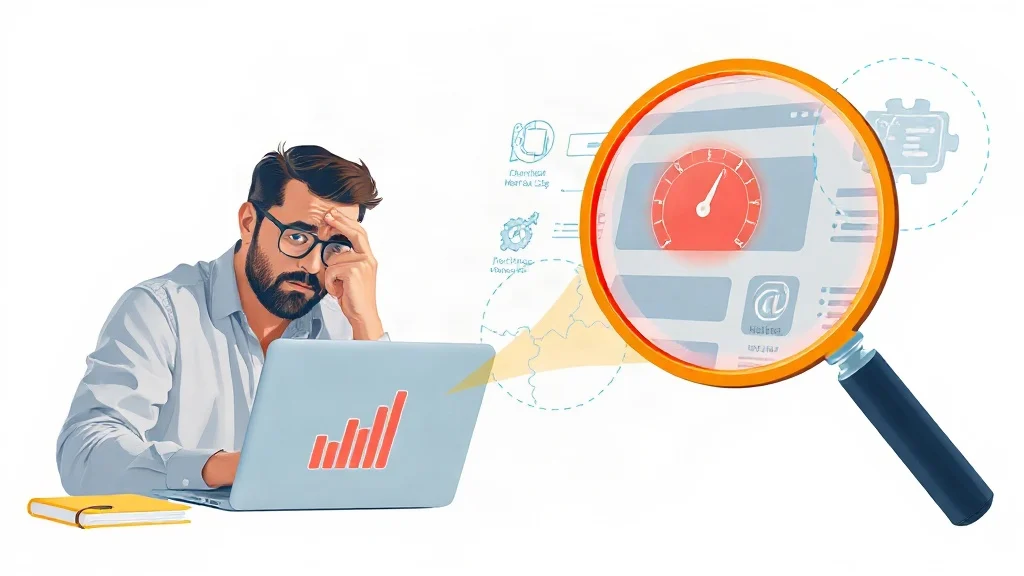
You have published useful content, earned a few links, and optimized the obvious keywords. Yet rankings stall. The culprit is often not your content strategy but a hidden technical SEO error quietly suppressing crawl efficiency, mobile performance, or indexation. Without a diagnostic layer, you are guessing. That is why we built the Free SEO Audit Tool – Check Website SEO, Speed & Visibility Issues. It analyzes your site in under 60 seconds and surfaces the technical issues that block visibility.
Why Hidden Technical SEO Errors Silently Cap Your Rankings
Technical SEO errors rarely send a notification. They hide in canonical tags, robots.txt rules, JavaScript rendering, image ALT attributes, schema markup, and Core Web Vitals. Search engines may still crawl a page, but a single conflicting signal can prevent indexing, dilute link equity, or slow rendering enough to hurt rankings. According to Google’s SEO Starter Guide, technical foundations help search engines find and understand your content, so when those foundations break, every other effort becomes less effective.
The market has shifted. Mobile-first indexing, page experience signals, and AI-driven search summaries reward sites that are fast, structured, and easy to parse. Manual spot checks cannot keep up with WordPress plugin updates, Shopify theme changes, or new product variants. A repeatable technical SEO audit is now a growth requirement, not a one-time cleanup.
The 60-Second Audit Workflow: From URL to Actionable Report
Our free SEO audit tool compresses the diagnostic process into five practical steps. You do not need an SEO background to start.
- Enter your URL. The tool begins a live analysis of your homepage or key landing page.
- Scan the technical layer. It checks titles, meta descriptions, headings, internal links, image ALT text, schema markup, mobile performance, Core Web Vitals, and technical SEO issues.
- Review the instant preview. You see a prioritized snapshot of what is healthy and what needs attention.
- Get the full report by email. The detailed audit explains each issue in plain language so you can share it with a developer, designer, or content team.
- Act on the highest-impact fixes. Start with indexation, speed, and mobile errors before polishing metadata.
For example, a service business might rank on page three for a valuable keyword. The audit could reveal missing title tags on service pages, a 4.8-second largest contentful paint (LCP), and broken internal links from the blog. None of those issues are visible in a casual browser view, but each one can cap rankings.
Stop guessing which technical error matters most. Our free audit surfaces priority issues in under 60 seconds so you can fix what actually blocks rankings.
Explore Free SEO Audit Tool – Check Website SEO, Speed & Visibility Issues
The Five Most Common Hidden Errors (and How to Spot Them)
1. Indexing and Canonical Confusion
A stray noindex tag, conflicting canonical URL, or accidental robots.txt block can remove pages from search. This is especially common after site migrations, theme changes, or staging-site launches. Our audit checks indexability signals and flags pages that search engines may ignore.
2. Metadata and Heading Misalignment
Missing titles, duplicate meta descriptions, multiple H1s, or skipped heading levels weaken relevance. The audit reviews every important page and highlights where metadata and headings do not match search intent.
3. Internal Link Dead Zones
Orphan pages, broken links, and generic anchor text waste crawl budget and dilute authority. A hidden internal linking error can keep your best content invisible. The tool maps internal links and exposes dead ends.
4. Image ALT and Schema Gaps
Images without descriptive ALT text lose accessibility and image-search opportunities. Missing or invalid schema markup prevents rich results. The audit checks ALT attributes and schema implementation across key templates.
5. Speed and Mobile Friction
Core Web Vitals, LCP, interaction to next paint (INP), and cumulative layout shift (CLS), directly affect user experience. Mobile-first indexing means a slow mobile page can drag down desktop rankings. Our audit measures mobile performance and Core Web Vitals alongside technical SEO issues.
Case Study: How a Hidden Canonical Error Cost 43% Organic Traffic
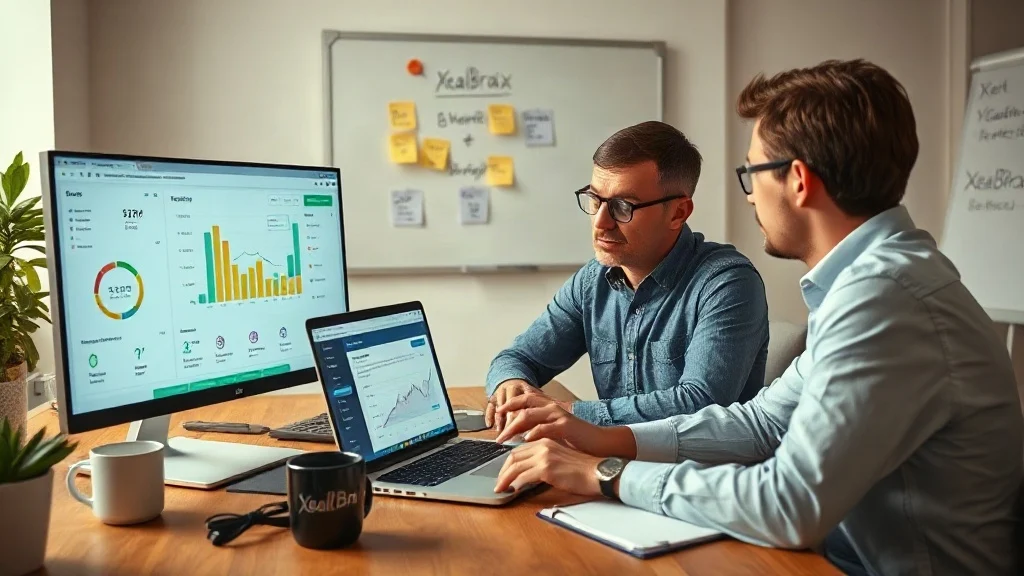
Consider a hypothetical Shopify store selling outdoor gear. Organic traffic dropped 43% over two months. The team suspected a Google algorithm update and rewrote product descriptions, but nothing improved. A free 60-second audit revealed that every product variant canonicalized to an out-of-stock parent page. Search engines saw dozens of near-duplicate signals and ignored the variant pages. After correcting the canonical logic and resubmitting the sitemap, organic traffic recovered within six weeks.
In another scenario, a WordPress service page ranked well on desktop but not mobile. The audit found a 5.2-second LCP caused by an unoptimized hero image and render-blocking scripts. Fixing the image, deferring JavaScript, and enabling caching improved mobile rankings and conversions. These are not rare edge cases; they are the invisible errors that manual reviews miss.
Turn audit findings into fixes without hiring a full team. XealBrax provides implementation support for technical SEO, WordPress speed optimization, metadata, schema, and conversion optimization.
Explore Free SEO Audit Tool – Check Website SEO, Speed & Visibility Issues
From Diagnosis to Fix: Prioritizing Technical SEO Repairs
Not every issue deserves equal urgency. Use an impact-versus-effort matrix after your audit.
- Critical: Indexation blocks, canonical conflicts, mobile errors, broken internal links, and server errors. Fix these first because they can suppress entire sections of your site.
- High impact: Missing titles and meta descriptions, invalid schema, slow LCP, and orphan pages. These directly affect rankings and click-through rates.
- Medium impact: Image ALT text, heading hierarchy, and internal anchor text. Improve these after critical issues are resolved.
If you prefer not to manage the backlog internally, our team can handle technical SEO, WordPress speed optimization, metadata improvements, schema implementation, and conversion rate optimization. We also offer strategy calls, custom quotes, and a creator network for businesses that want a growth partner rather than another dashboard.
How to Prevent Hidden Errors From Returning
Technical SEO is not a one-time project. Every plugin update, theme change, new product upload, or CMS migration can introduce hidden errors. We recommend a monthly 60-second audit and a deeper review before major campaigns. Compare current results against a baseline, watch Core Web Vitals trends, and validate schema after template changes.
Pair the free audit with Google Search Console for index coverage and query data. When you see impressions rising but clicks falling, check titles and meta descriptions. When rankings drop without a content reason, run the audit before rewriting anything. This order prevents wasted effort.
FAQ
How fast is the free SEO audit?
The audit analyzes your website in under 60 seconds and gives you an instant preview. A full report is also sent by email so you can review detailed findings.
What does the audit check?
It checks titles, meta descriptions, headings, internal links, image ALT text, schema markup, mobile performance, Core Web Vitals, and technical SEO issues.
Can XealBrax fix the issues found?
Yes. Beyond the free audit, we provide professional services for technical SEO, WordPress speed optimization, metadata improvements, schema implementation, and conversion rate optimization.

A Personal Note From Collins E. Iyorah, Founder of XealBrax
I built XealBrax because creators, bloggers, and small businesses shouldn’t have to piece together fragmented tools to grow online. Whether you are optimizing your website performance, utilizing our AI-driven utilities, or scaling through our Creator Network, our goal is to give you a transparent, penalty-free path to digital success. If you want a complete look at how we help brands scale, read my personal guide to get started.