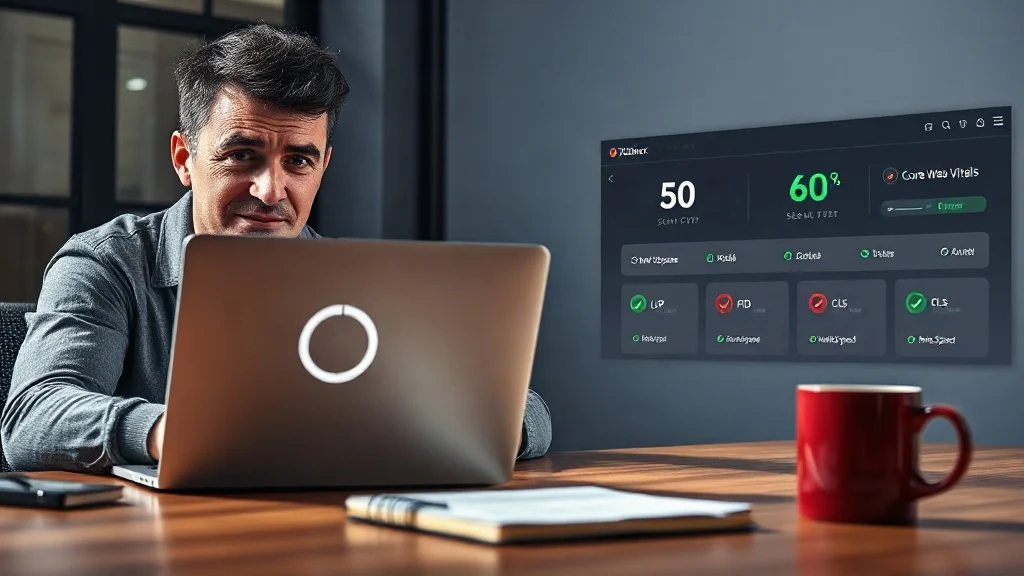
You’ve optimized your content, published consistently, and even earned a few backlinks. Yet your WordPress site still feels like it’s wading through molasses. Every extra second of load time chips away at your rankings, your conversions, and your patience. The frustrating truth? Most speed issues aren’t mysteries, they’re measurable. And without a proper audit, you’re just guessing. That’s why we built a free tool that analyzes your site’s speed and Core Web Vitals in under 60 seconds, giving you a clear diagnosis and a path to the exact fix.
The Silent Revenue Killer: What a Slow WordPress Site Really Costs You
Speed isn’t just a technical vanity metric. It’s a direct driver of revenue. Studies consistently show that a one-second delay in page load can reduce conversions by up to 20%. For an e-commerce store doing $50,000 a month, that’s $10,000 lost, every single month. Beyond sales, slow sites suffer higher bounce rates, lower average session durations, and depressed search rankings. Google uses Core Web Vitals as a ranking signal, meaning your slow site isn’t just annoying visitors; it’s actively being demoted in search results.
We’ve seen this play out with a hypothetical client, a small service business whose WordPress site took 4.5 seconds to load. They were spending $2,000 a month on Google Ads, but their landing page was bleeding visitors before they even saw the offer. After a speed audit and targeted fixes, load time dropped to 1.8 seconds, and their conversion rate jumped by 35%. The fix wasn’t magic; it was data-driven.
The Usual Suspects: Why WordPress Sites Slow Down
WordPress powers over 40% of the web, and its flexibility is both a blessing and a curse. The most common culprits we diagnose include:
- Cheap shared hosting: Overloaded servers with poor response times.
- Plugin bloat: Dozens of plugins, many inactive or poorly coded, each adding database queries and scripts.
- Unoptimized images: Massive JPEGs and PNGs that haven’t been compressed or converted to modern formats like WebP.
- No caching: Every visit triggers a fresh PHP execution and database query instead of serving a static version.
- Heavy themes and page builders: Feature-rich themes that load thousands of lines of CSS and JavaScript you don’t need.
- External scripts: Third-party tracking, fonts, and chat widgets that block rendering.
Without a systematic audit, you might spend hours tweaking the wrong thing. We’ve seen site owners install caching plugins when the real problem was a 5MB hero image or a slow database.
Core Web Vitals: The Metrics That Make or Break Your Rankings
Google’s Core Web Vitals are a set of specific, measurable metrics that quantify user experience. They are:
- Largest Contentful Paint (LCP): How long it takes for the largest visible element (usually a hero image or heading) to load. Should be under 2.5 seconds.
- Interaction to Next Paint (INP): Measures responsiveness to user interactions. Should be under 200 milliseconds.
- Cumulative Layout Shift (CLS): Quantifies visual stability, how much the page jumps around as it loads. Should be under 0.1.
According to Google’s Web Vitals documentation, these metrics are essential for delivering a great user experience. If your WordPress site fails any of them, you’re leaving rankings and revenue on the table.
Stop letting slow Core Web Vitals tank your rankings. Our free 60-second audit pinpoints exactly which metric is failing, so you can fix the right thing, fast.
Explore Free SEO Audit Tool – Check Website SEO, Speed & Visibility Issues
What Our Free 60-Second Audit Actually Reveals
Our Free SEO Audit Tool – Check Website SEO, Speed & Visibility Issues is built to give you clarity in under a minute. Here’s what it checks:
- Titles and meta descriptions: Are they optimized for click-through and keywords?
- Headings: Proper H1-H6 structure for SEO and accessibility.
- Internal links: Are you distributing authority effectively?
- Image ALT text: Missing alt attributes hurt accessibility and image search.
- Schema markup: Rich snippets and structured data that boost visibility.
- Mobile performance: How your site behaves on smartphones.
- Core Web Vitals: Real-world LCP, INP, and CLS data.
- Technical SEO issues: Broken links, redirect chains, and more.
You get an instant preview of critical issues, and a full report delivered to your email. It works for WordPress, Shopify, and custom sites, no technical skills required.
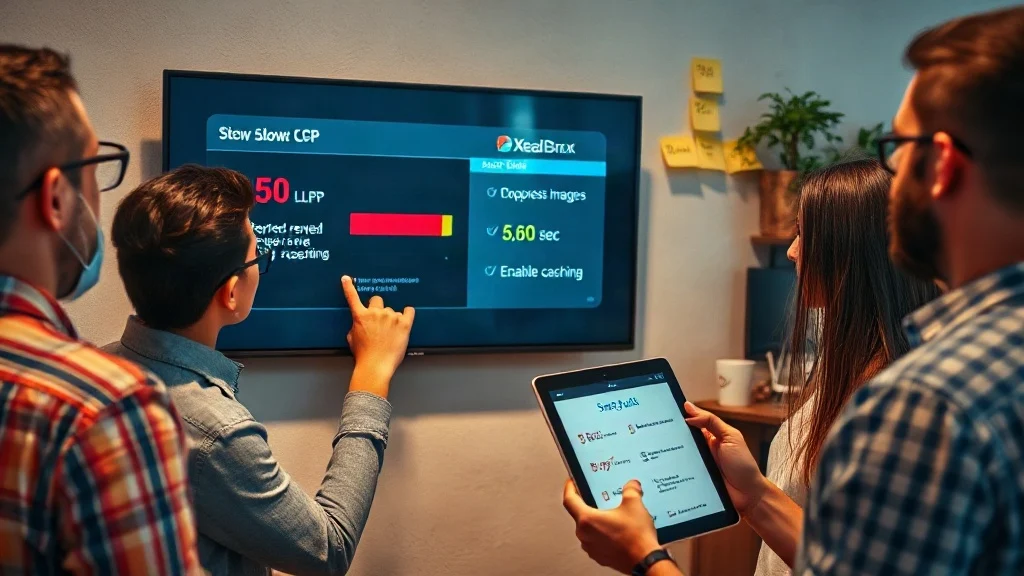
From Diagnosis to Fix: A Step-by-Step WordPress Speed Optimization Plan
Once you have your audit report, here’s how to turn insights into action:
- Prioritize by impact: Focus on LCP first, it’s usually the most visible and impactful. Then tackle CLS, then INP.
- Optimize images: Compress and convert to WebP. Use lazy loading for below-the-fold images.
- Implement caching: Use a caching plugin like WP Rocket or W3 Total Cache, and enable browser caching.
- Audit plugins: Deactivate and delete any plugin you don’t absolutely need. Replace heavy plugins with lightweight alternatives.
- Clean your database: Remove post revisions, spam comments, and transient options.
- Use a CDN: Serve static assets from a global network to reduce latency.
- Upgrade hosting: If your host is slow, no amount of tweaking will fix it. Consider managed WordPress hosting.
In one hypothetical case, a creator’s blog went from a 7.2-second LCP to 1.9 seconds after following these steps. Organic traffic increased by 42% in three months, all because the site became a pleasure to use.
Turn your audit into a faster, higher-converting site. If DIY fixes feel overwhelming, our team implements every speed and SEO improvement the audit uncovers.
Explore Free SEO Audit Tool – Check Website SEO, Speed & Visibility Issues
Why a Free Audit Beats Expensive Guesswork
Many business owners throw money at the problem, hiring a developer, buying premium plugins, or switching hosts, without knowing the root cause. That’s like replacing your car’s engine when the real issue is a flat tire. A free audit gives you a precise, data-backed diagnosis. It tells you exactly what’s broken and how to fix it, so you can either implement the changes yourself or hand a clear roadmap to your team.
At XealBrax, we don’t just stop at the audit. We offer professional services to fix everything we find: technical SEO, WordPress speed optimization, metadata improvements, schema implementation, and conversion rate optimization. But it all starts with the free audit, because you can’t fix what you haven’t measured.
Frequently Asked Questions
How long does the free SEO audit take?
The initial analysis runs in under 60 seconds. You’ll see an instant preview of critical issues, and a comprehensive report is sent to your email.
Can the audit tell me why my WordPress site is slow?
Yes. It checks Core Web Vitals, mobile performance, image optimization, plugin-related issues, and other technical factors that directly impact speed.
Do I need technical skills to use the audit?
Not at all. The audit is designed for non-technical users. It provides plain-English explanations and actionable recommendations you can share with a developer or implement yourself.
Your WordPress site doesn’t have to be slow. Stop guessing, start measuring, and give your visitors the fast, seamless experience they deserve. Run the free 60-second audit today and uncover the exact fixes that will boost your rankings, conversions, and bottom line.

A Personal Note From Collins E. Iyorah, Founder of XealBrax
I built XealBrax because creators, bloggers, and small businesses shouldn’t have to piece together fragmented tools to grow online. Whether you are optimizing your website performance, utilizing our AI-driven utilities, or scaling through our Creator Network, our goal is to give you a transparent, penalty-free path to digital success. If you want a complete look at how we help brands scale, read my personal guide to get started.