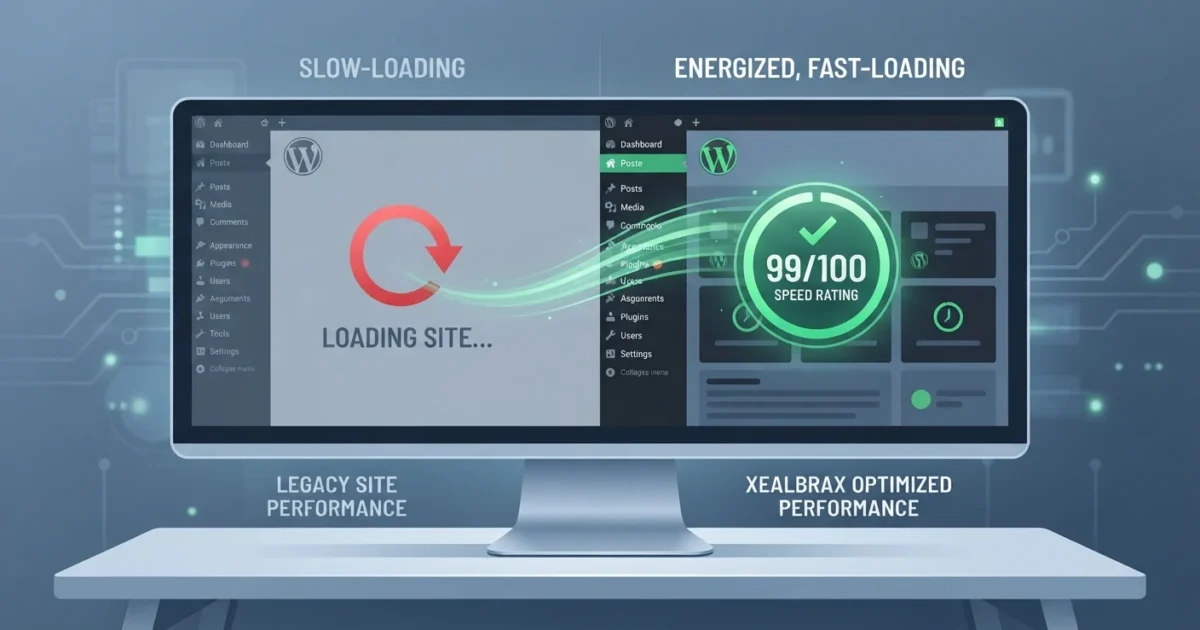
Is your wordpress site slow? A slow website is a silent killer for online success. It drives away warm organic prospects, inflates your advertising acquisition costs, and lowers your search authority. Before spending money on premium plugins, complex themes, or full marketing campaigns, you must understand what is slowing down your page. If you are struggling with a wordpress site slow response time, optimizing your Core Web Vitals is the most effective way to restore mobile usability and ranking strength.
This guide explains the hidden costs of a slow loading speed, how performance metrics impact your Google search rankings, and five easy, practical ways to speed up your website to ensure a seamless mobile browsing experience.
Instant Diagnosis: Run a free site speed and Core Web Vitals scan using our technical auditing system to identify exact performance blockers in under 60 seconds.
Why Website Speed is Crucial for WordPress SEO
When your wordpress site slow speed triggers high bounce rates, search engines notice. If mobile users tap your search result on Google only to return immediately to the search results because your page took longer than three seconds to load, search engines interpret your site as low-quality.
Google has made loading speed and visual stability direct ranking factors through Core Web Vitals. These performance standards evaluate how real users experience your pages. If you ignore these metrics, even the most detailed content and optimization strategies may fail to rank.
The official Google Core Web Vitals Guide explains that search systems reward pages that provide an outstanding user experience. Resolving performance lag is a core technical requirement for modern search visibility.
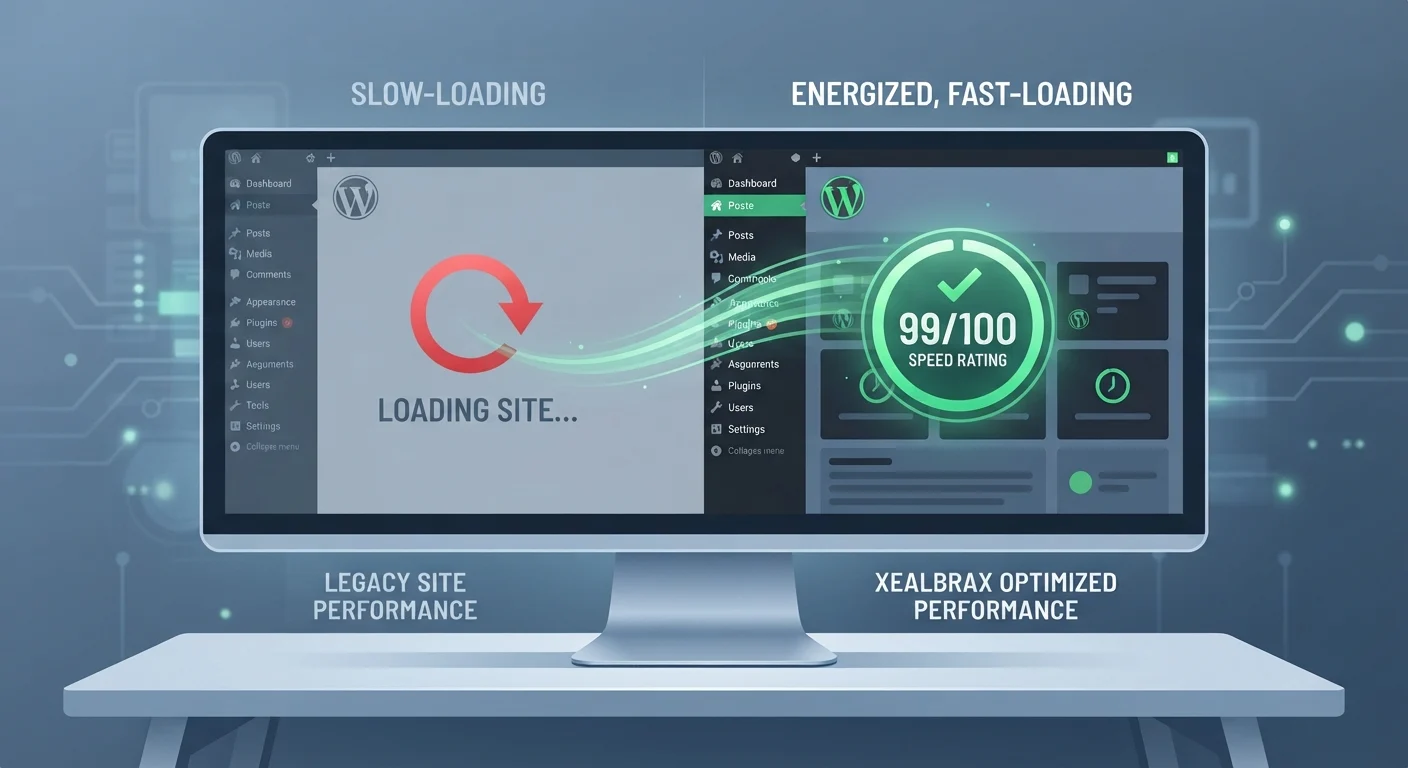
Understanding Core Web Vitals
Google measures website performance using three specific metrics. If your mobile metrics fall into the “Needs Improvement” or “Poor” ranges, your search authority will decrease.
- Largest Contentful Paint (LCP): This measures loading performance. Specifically, it tracks how long it takes for the largest visible text block or image on your screen to render fully. A good score is under 2.5 seconds.
- Interaction to Next Paint (INP): This measures responsiveness. It tracks how long the browser takes to update the screen after a user taps a button, clicks a link, or types in a form field. A good score is 200 milliseconds or less.
- Cumulative Layout Shift (CLS): This measures visual stability. It tracks whether elements on your page shift around unexpectedly as fonts, images, or ads load. A good score is 0.1 or less.

How to Diagnose a Slow WordPress Website
To fix a slow page, you must separate assumptions from data. Do not test speed by simply reloading your page on your own desktop computer, your browser has likely cached a local copy, making the page appear faster to you than it does to first-time mobile visitors.
Use the free Google PageSpeed Insights Tool to collect real-world user metrics and laboratory performance scores. This shows you exactly what assets (like images or render-blocking scripts) are delaying your page loads.
Additionally, you can run a comprehensive technical SEO check with our system to verify if headings, sitemaps, indexing settings, or unoptimized images are compounding your speed problems.
Is Your WordPress Site Slow? Check the Audit: Use our free, lightweight site checker to scan on-page tags, sitemaps, links, and speed issues simultaneously.
5 Simple Ways to Speed Up Your WordPress Website
If your wordpress site slow loading times are driving away potential clients, you do not need to rewrite your entire site. Implementing these five targeted optimizations will yield significant speed improvements.
1. Compress and Convert Images to WebP
Uploading raw photographs directly from your camera or phone is the most common cause of slow load times. High-resolution images are massive, taking seconds to render on mobile screens. Compress your images before uploading, and convert them to modern formats like WebP (which are up to 30% smaller than standard JPEGs while retaining perfect visual clarity).
2. Implement Edge and Page Caching
Every time a user visits a page, WordPress has to query its database to fetch your content, layout, and settings. This database lookup takes time. Caching plugins solve this by saving a pre-rendered, static HTML copy of your page on your server. This allows your website to load almost instantly, preventing a wordpress site slow loading loop.
3. Defer and Delay Unused Javascript
Many tracking pixels, chat widgets, and social scripts block the browser from rendering your main content until they are fully loaded. This is called “render-blocking.” Delay these non-critical scripts so they only load after the user has finished rendering the main visible screen.
4. Optimize Your WordPress Database
Over time, your WordPress database accumulates bloat from old post revisions, deleted plugin data, and expired transients. This clutter slows down database query times. Routinely clean your database tables and limit your active plugins to only what is absolutely necessary.
5. Use Lightweight Themes & Solid Hosting
Heavy page-builder-dependent themes load thousands of lines of unused layout code on every visit. This is one of the most common causes of a wordpress site slow loading state. Switch to a lightweight, performance-first theme, and choose a reliable host (like Hostinger) that offers solid-state drive (SSD) storage and native caching optimizations.
For more advanced web management, review the official WordPress Optimization Documentation to understand database, caching, and server-level speed considerations.
When to Get Professional Performance Support
Many basic speed fixes like, compressing your images or activating a standard caching plugin can be easily managed by website owners. However, resolving complex performance warnings is different.
If your PageSpeed reports show persistent warnings about render-blocking resources, unused JavaScript, database latency, CSS bloat, or server response times, these require technical experience to fix without breaking your design or checkout systems.
Need Professional Speed Support? We specialize in Core Web Vitals optimization, code cleanup, database tuning, and speed architecture to make your site load instantly.
FAQ: WordPress Speed & Core Web Vitals
Why is my wordpress site slow all of a sudden?
An unexpected drop in speed is usually caused by uncompressed image uploads, recently updated plugins running heavy background queries, server-level limitations, or accumulated database bloat, which makes your wordpress site slow.
Do WordPress plugins make a wordpress site slow?
Not necessarily. It is not the quantity of plugins that hurts speed, but the quality of their code. A single poorly coded, heavy plugin can load redundant assets across your entire site, leading to database delays that make a wordpress site slow.
How do I improve my mobile Core Web Vitals score?
Focus on compressing your images, deferring render-blocking scripts, utilizing lightweight themes, and deploying reliable, SSD-powered hosting.
Can I fix WordPress speed issues without coding?
Yes. Many speed improvements can be achieved using trusted performance plugins for caching and image compression, but advanced script delaying and database cleaning may require professional technical support.
Stop Guessing, Start Optimizing
Analyze your page speed, discover what makes your wordpress site slow, and implement professional-grade speed optimizations today.

A Personal Note From Collins E. Iyorah, Founder of XealBrax
I built XealBrax because creators, bloggers, and small businesses shouldn’t have to piece together fragmented tools to grow online. Whether you are optimizing your website performance, utilizing our AI-driven utilities, or scaling through our Creator Network, our goal is to give you a transparent, penalty-free path to digital success. If you want a complete look at how we help brands scale, read my personal guide to get started.