
Core Web Vitals are a set of metrics that measure real‑world user experience for loading performance, interactivity, and visual stability. In 2026, they remain a critical ranking factor. This guide walks you through actionable steps to improve LCP, INP, and CLS on your WordPress site.
What Are Core Web Vitals?
Google uses three primary metrics to assess page experience:
| Metric | Description | Good Threshold |
|---|---|---|
| Largest Contentful Paint (LCP) | Loading performance – how fast the main content loads | ≤ 2.5 seconds |
| Interaction to Next Paint (INP) | Responsiveness – how quickly the page responds to user input | ≤ 200 milliseconds |
| Cumulative Layout Shift (CLS) | Visual stability – how much the layout shifts unexpectedly | ≤ 0.1 |
Step-by-Step WordPress Optimization
Follow these proven techniques to boost your scores.
- Optimize Images – Use WebP format, serve responsive sizes, and lazy‑load offscreen images.
- Implement Caching – A good caching plugin (like LiteSpeed Cache) drastically reduces server response time.
- Minify CSS & JavaScript – Remove unused code and defer non‑critical JS.
- Upgrade Hosting – Choose a host with modern PHP, NVMe storage, and built‑in CDN.
- Reserve Space for Embeds – Set explicit width/height on images, iframes, and ads to prevent layout shifts.
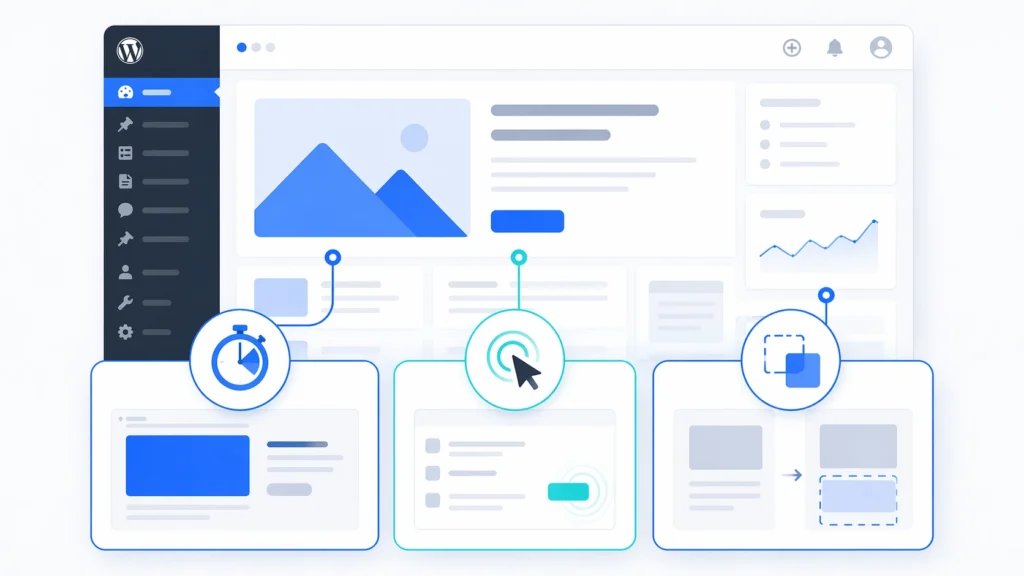
Below is a visual overview of how these metrics impact user experience:
Free tools to help you improve: Check out our free SEO and performance tools to audit your site and track your progress.
Measuring Your Progress
Use these free tools to track Core Web Vitals:
- Google PageSpeed Insights
- Google Search Console (Core Web Vitals report)
- Web Vitals Chrome Extension
- Lighthouse in Chrome DevTools
Need a quick audit? Run our Free SEO Audit Tool to see how your site performs.

A Personal Note From Collins E. Iyorah, Founder of XealBrax
I built XealBrax because creators, bloggers, and small businesses shouldn’t have to piece together fragmented tools to grow online. Whether you are optimizing your website performance, utilizing our AI-driven utilities, or scaling through our Creator Network, our goal is to give you a transparent, penalty-free path to digital success. If you want a complete look at how we help brands scale, read my personal guide to get started.