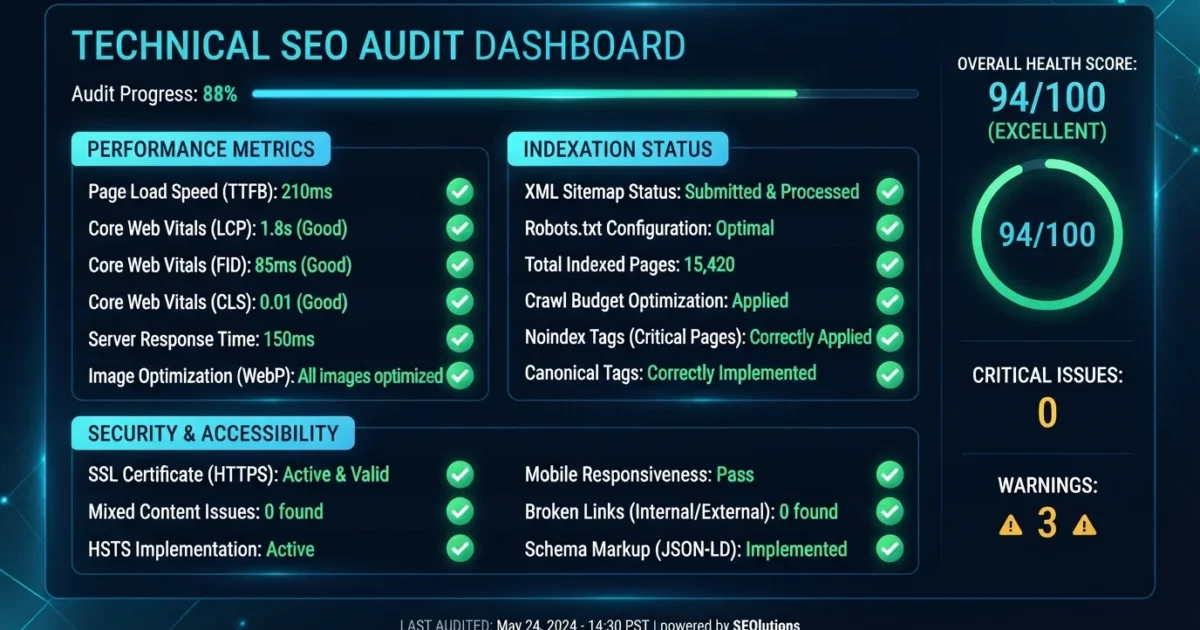
Are hidden technical errors holding your website back from ranking on Google? A comprehensive technical seo audit checklist helps you uncover invisible barriers like crawl errors, slow page speeds, and broken indexation settings. Without addressing these technical foundations, even the best content can struggle to rank. This guide provides an in-depth, step-by-step checklist to optimize your website architecture, improve crawler efficiency, and maximize organic search visibility.
Instant Diagnosis: Run a free site speed and technical check using our scanning system to identify exact performance blockers in under 60 seconds.
Why a Technical SEO Audit Matters for Long-Term Growth
Technical SEO forms the underlying structural framework of your website. If search engine crawlers encounter backend barriers like server timeouts, redirect loops, or misconfigured canonical tags, they will abandon indexing your pages altogether. According to official guidelines from Google Search Central, ensuring smooth crawlability and clean site architecture is a fundamental prerequisite for ranking success.
Regular technical audits ensure that your underlying site health matches your high-quality editorial content. By eliminating friction points, you allow search engines to discover, parse, and index your digital assets faster and more accurately.
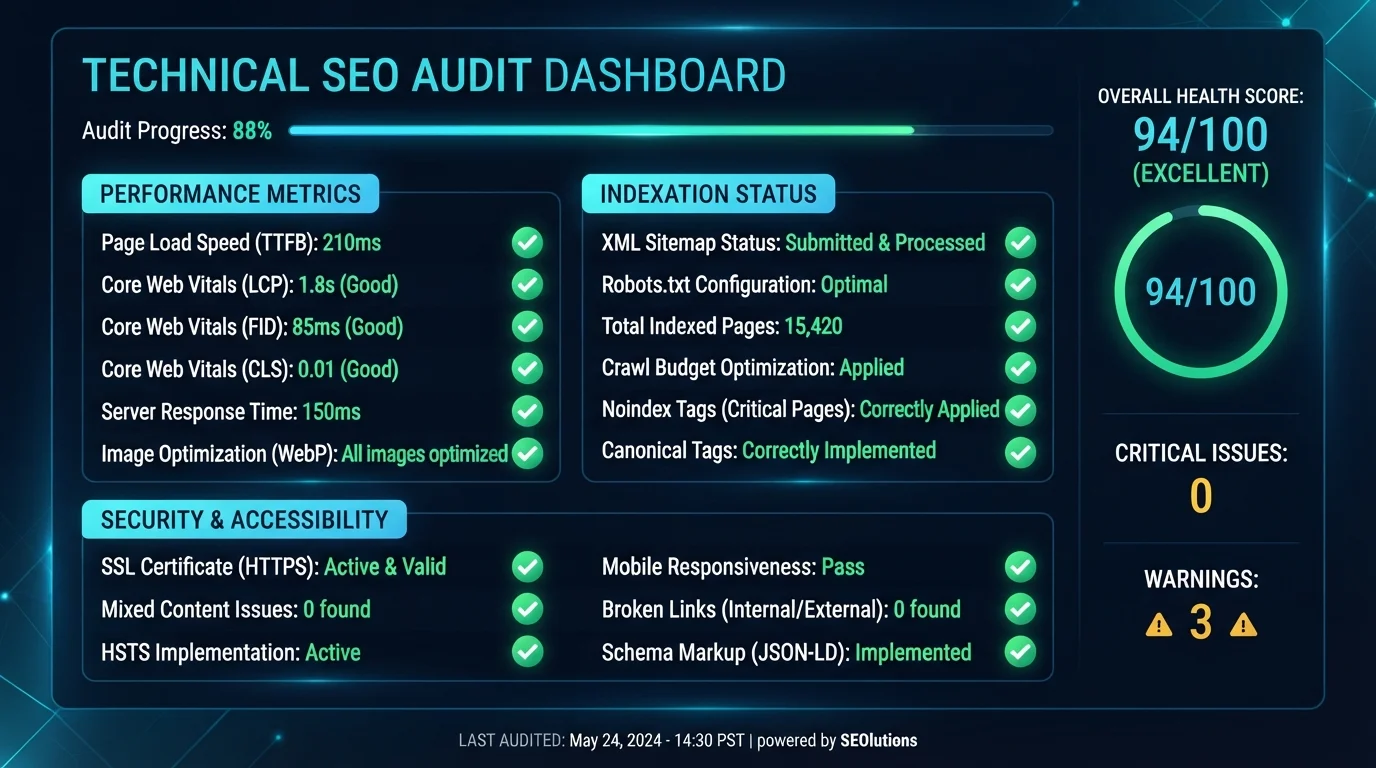
Step 1: Verify Indexation and Crawlability
The first and most critical phase of any technical review is ensuring that search engine bots can freely navigate your pages without running into administrative blocks.
- Review Your Robots.txt File: Ensure you are not accidentally blocking vital folders, stylesheets, or JavaScript files that Google needs to render your pages properly.
- Inspect XML Sitemaps: Confirm your sitemap is updated dynamically, submitted in Google Search Console, and free of broken or redirected URLs.
- Check Noindex Tags: Double-check that important commercial or informational pages do not carry accidental meta noindex directives left over from staging environments.
Step 2: Eliminate Broken Links and Redirect Chains
Crawl budget is a finite resource allocated by search engines based on your site authority and server performance. When bots waste time crawling dead links or navigating multi-step redirect loops, your newest content takes longer to get indexed.
- Fix 404 Errors: Scan your domain regularly for broken internal links and set up permanent 301 redirects to relevant active pages.
- Shorten Redirect Chains: Avoid passing link equity through multiple consecutive redirections (e.g., Page A to Page B to Page C). Point source URLs directly to the final destination.
Step 3: Optimize Core Web Vitals and Performance
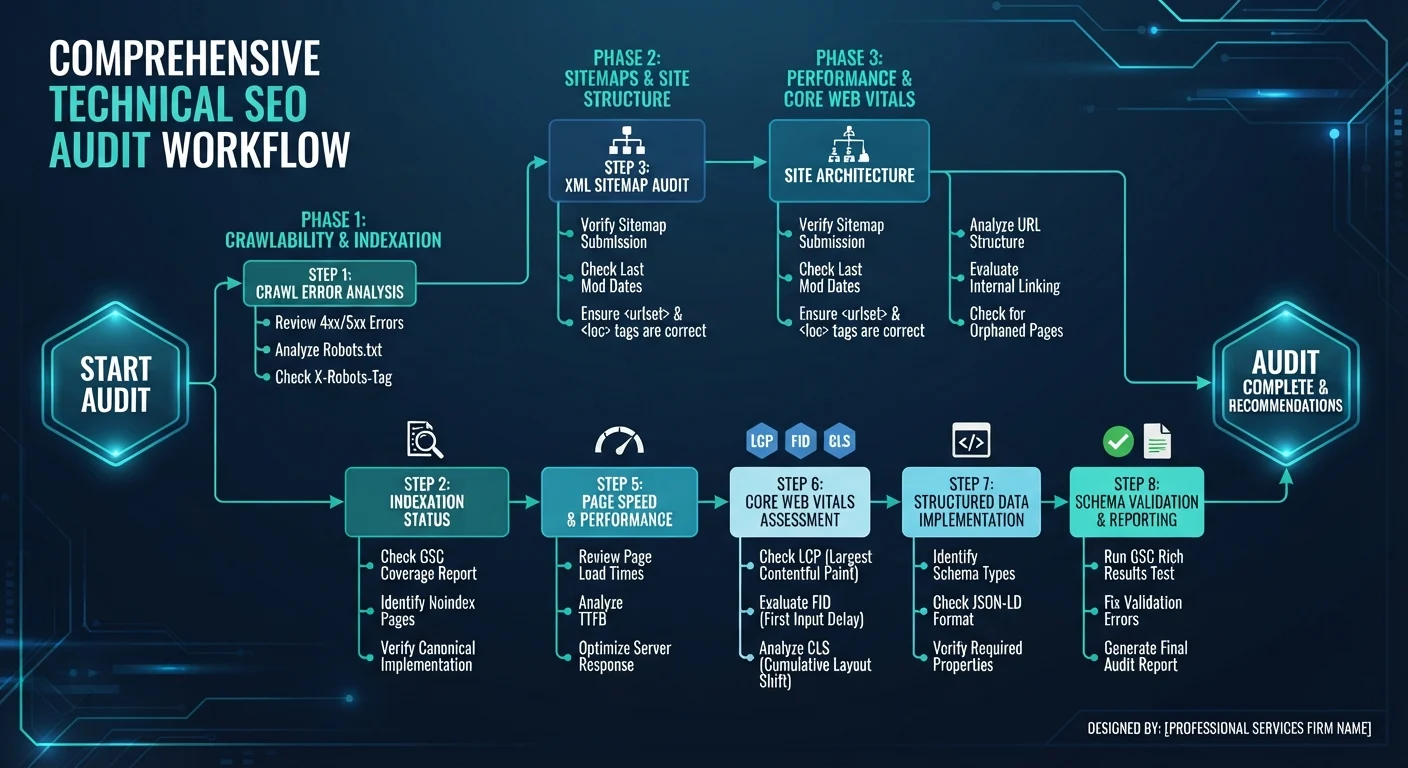
User experience is deeply intertwined with technical performance. Slow loading times directly inflate bounce rates and degrade search placement. Focus heavily on optimizing your Largest Contentful Paint (LCP), Interaction to Next Paint (INP), and Cumulative Layout Shift (CLS) metrics.
Step 4: Implement Structured Data and Schema Markup
Structured data helps search engines understand the exact context of your content, unlocking rich snippets, FAQ dropdowns, and enhanced SERP features. Review official guidelines from Schema.org to ensure your markup meets modern semantic standards.
- Organization and Website Schema: Establish clear brand entity signals across your global header templates.
- BlogPosting and FAQ Schema: Add semantic markup to your articles and guide pages to secure prominent placement in competitive search results.
Need Professional Support? Let our optimization team resolve complex backend speed and structural issues for your business.
FAQ: Technical SEO Audits
How often should I run a technical SEO audit?
You should perform a light technical review monthly and a comprehensive audit quarterly or after executing major website migrations or plugin updates.
What is the fastest way to check technical errors?
Using an automated scanner or our free online tool can highlight broken links, missing metadata, and speed errors instantly.
Do technical errors affect small blogs as much as large e-commerce sites?
Yes. While large stores suffer from crawl budget waste and massive redirect loops, small sites can be completely derailed from ranking if core indexation tags or sitemaps are misconfigured.
Ready to Optimize Your Website?
Find and fix hidden ranking blockers with our diagnostic tools and expert services.

A Personal Note From Collins E. Iyorah, Founder of XealBrax
I built XealBrax because creators, bloggers, and small businesses shouldn’t have to piece together fragmented tools to grow online. Whether you are optimizing your website performance, utilizing our AI-driven utilities, or scaling through our Creator Network, our goal is to give you a transparent, penalty-free path to digital success. If you want a complete look at how we help brands scale, read my personal guide to get started.