
A free SEO audit tool helps you check your website SEO, identify technical issues, review meta tags, test speed signals, and uncover opportunities that may improve search visibility. If your website is not ranking, not getting clicks, or not appearing properly in Google, an SEO audit is one of the fastest ways to understand what needs attention.
This guide explains how to use a free SEO audit tool, what to look for in an SEO audit report, which issues matter most, and how XealBrax can help you move from “I think something is wrong” to a clearer action plan.
Start here: Run your website through the XealBrax SEO Audit Tool to check technical SEO, metadata, speed signals, and improvement opportunities.
What Is a Free SEO Audit Tool?
A free SEO audit tool is a website checker that scans a page or domain and reports SEO issues that may affect visibility, crawlability, user experience, and search performance. Instead of guessing why a website is not performing, an audit gives you a structured view of what may need to be fixed.
A useful SEO audit report usually checks several areas:
- Technical SEO: crawl access, indexing signals, redirects, status codes, canonical tags, and page structure.
- On-page SEO: title tags, meta descriptions, headings, keyword relevance, and content structure.
- Website speed: loading performance, Core Web Vitals signals, image weight, scripts, and server response issues.
- Mobile usability: whether the page works properly on mobile devices.
- Image SEO: file names, ALT text, compression, and image format.
- Internal linking: whether important pages are connected and easy to discover.

Why Website SEO Audits Matter
Many website owners only notice SEO problems after traffic drops, pages stop ranking, or Google Search Console starts showing indexing warnings. The problem is that SEO issues are often hidden. Your page may look fine in the browser while still having weak metadata, missing ALT text, poor internal links, slow loading elements, or crawl signals that confuse search engines.
A website SEO checker helps you find these problems before they become bigger ranking issues. For business websites, e-commerce stores, blogs, and creator websites, this matters because search visibility is often connected to leads, sales, product discovery, and brand trust.
How to Check Your Website SEO in Minutes
You do not need to start with a complicated audit. Start with one important URL, review the report, and fix the most visible issues first.
1. Enter the Website URL
Start by entering the full page URL you want to audit. This can be your homepage, a service page, a product page, a blog post, or a landing page.
Example URLs to audit:
- Your homepage
- Your main service page
- Your highest-value product page
- A blog post you want to rank
- A page that is getting impressions but few clicks
For XealBrax users, the best place to begin is the free SEO audit tool.
2. Review the Page Title and Meta Description
Your title tag and meta description influence how your page appears in search results. A weak title can reduce clicks, while a missing or vague meta description can make your page less attractive in search snippets.
Check whether your title is:
- Clear and specific
- Relevant to the page content
- Not too long
- Not duplicated across multiple pages
- Written for humans, not stuffed with keywords
Check whether your meta description:
- Summarizes the page accurately
- Includes the main search topic naturally
- Encourages clicks
- Stays concise
- Does not repeat the same wording across every page
Need better titles and descriptions?
Use the XealBrax AI Meta Tag Generator to create SEO-friendly title tags and meta descriptions for pages, posts, tools, services, and product listings.
3. Check Headings and Content Structure
Headings help visitors and search engines understand the structure of your content. Your page should have one clear main topic and supporting sections that explain it properly.
Look for these issues:
- Multiple H1 headings on the same page
- Missing H2 sections
- Thin content that does not answer the search intent
- Pages with no clear topic focus
- Keyword stuffing instead of useful explanations
For WordPress posts, your post title is usually the H1. That means the article body should normally begin with paragraphs and H2 sections, not another H1.
4. Review Website Speed and Core Web Vitals
Speed affects both user experience and SEO performance. A slow website can reduce conversions, increase bounce rates, and make it harder for visitors to engage with your content.
During an audit, pay attention to:
- Large images
- Unoptimized JavaScript
- Too many plugins
- Render-blocking files
- Slow server response
- Heavy sliders, animations, or third-party scripts
If your website runs on WordPress, performance problems often come from image size, plugin bloat, caching settings, unused CSS, poor hosting configuration, or unoptimized theme files.
5. Check Mobile Usability
Most users now browse on mobile devices. If your site is difficult to use on a phone, you may lose visitors before they read your content or take action.
A mobile SEO check should look at:
- Readable text size
- Buttons that are easy to tap
- Images that fit the screen
- Forms that work properly on mobile
- Menus that are easy to open and use
- Layout shifts that make the page unstable
6. Check Image SEO
Images can support search visibility when they are properly named, compressed, and described. Poor image SEO can also hurt performance if large files slow the page down.
Check whether your images have:
- Descriptive file names
- Useful ALT text
- Compressed file sizes
- Modern formats such as WebP
- Relevant placement near supporting content
For example, an image file named free-seo-audit-tool-website-seo-checker-xealbrax.webp is more useful than a generic file name like IMG_1048.webp.

Common Website SEO Issues a Free Audit Can Find
A good audit does not only give you a score. It helps you understand what is wrong and what to fix first.
Missing or Weak Meta Descriptions
A missing meta description does not automatically stop a page from ranking, but it can reduce click-through rate if the search snippet is unclear. Each important page should have a unique description that summarizes the page and encourages users to click.
Slow Loading Pages
Slow pages can affect user experience and conversions. If your site takes too long to load, visitors may leave before they see your offer, product, or article.
Broken Links
Broken internal links create a poor user experience and can make it harder for search engines to understand your site structure. They should be fixed or redirected where appropriate.
Missing ALT Text
ALT text helps describe images for accessibility and search context. It should be descriptive and relevant, not stuffed with keywords.
Poor Internal Linking
Internal links help users and search engines find related pages. If your important pages are isolated, they may receive less attention from both visitors and crawlers.
Indexing Problems
A page cannot rank if search engines cannot index it. Audits should help you identify noindex tags, blocked pages, canonical issues, or sitemap problems.
What Should You Fix First After an SEO Audit?
Not every issue has the same priority. Focus first on problems that can block crawling, indexing, user experience, or conversions.
Use this order:
- Indexing blockers: noindex mistakes, blocked pages, broken canonicals, and crawl restrictions.
- Critical technical errors: broken important pages, redirect loops, server errors, and broken internal links.
- Page titles and meta descriptions: especially for high-value pages.
- Speed issues: large images, caching problems, heavy scripts, and slow server response.
- Content gaps: pages that do not answer the search intent clearly.
- Internal links: connect important pages to relevant supporting content.
Priority tip
Start with the pages that matter most to your business: homepage, service pages, product pages, tool pages, and blog posts already getting impressions in Google Search Console.
How XealBrax Helps You Move From Audit to Action
XealBrax is built for businesses, creators, e-commerce brands, and website owners who want practical visibility improvements, not confusing reports with no next step.
You can use XealBrax to:
- Run a free SEO audit
- Create better titles and descriptions with the AI Meta Tag Generator
- Improve product titles and descriptions with the Product Listing Optimizer
- Explore free growth resources on the XealBrax tools page
- Get support for SEO, WordPress speed, Core Web Vitals, and visibility strategy through XealBrax services
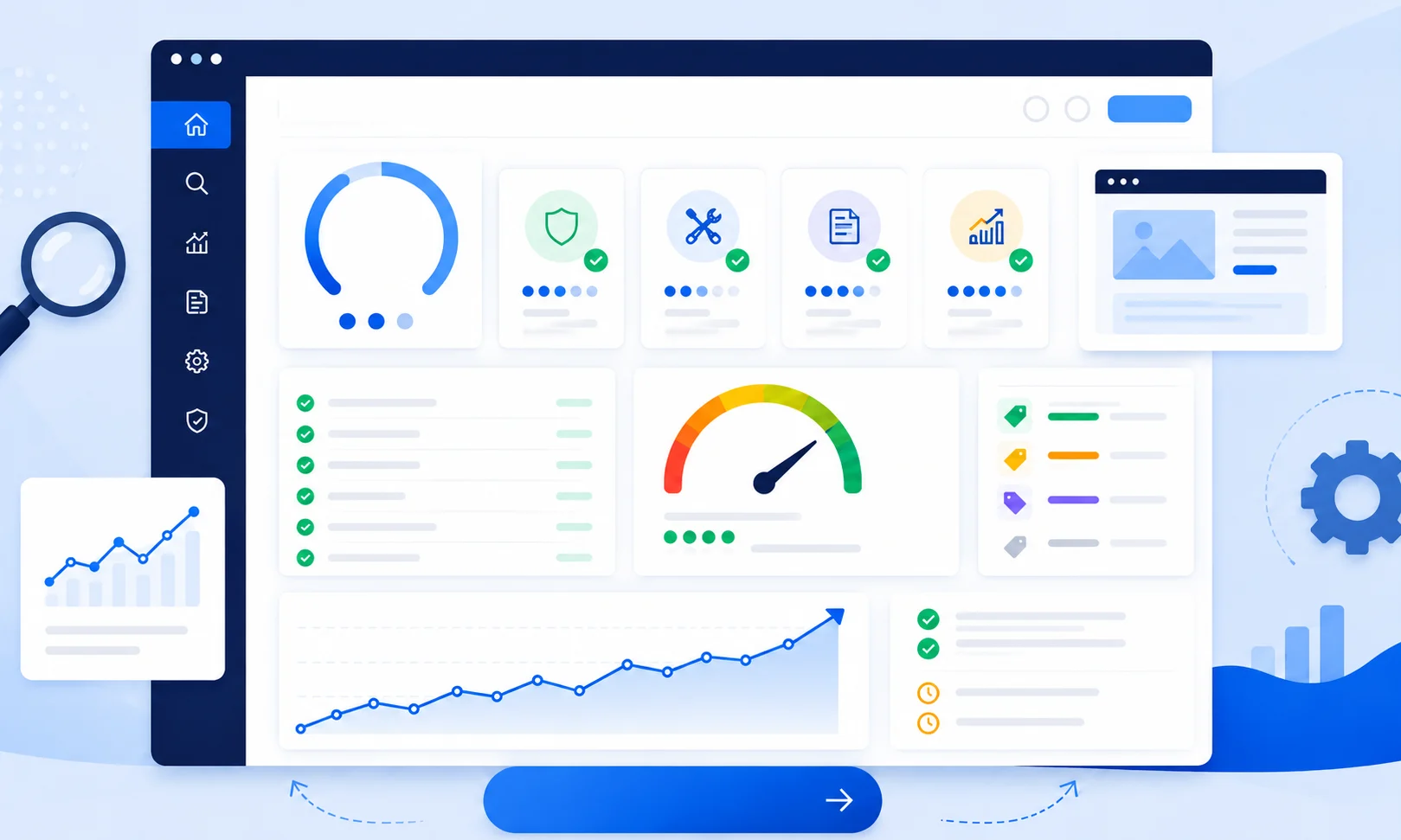
Check Your Website SEO Now
Use the XealBrax SEO Audit Tool to check your website, review important SEO signals, and find improvement opportunities before they affect visibility.
Helpful SEO Resources
For deeper technical checks, compare your audit findings with trusted SEO resources such as
Google’s SEO Starter Guide
and
PageSpeed Insights.
Use these alongside the XealBrax SEO Audit Tool to understand indexing, page experience, and performance opportunities.
Free SEO Audit Tool Checklist
Before you finish your audit, make sure you have reviewed these areas:
- Page title
- Meta description
- Headings
- Indexing status
- Canonical tag
- Internal links
- Broken links
- Image ALT text
- Image size and format
- Mobile usability
- Page speed
- Core Web Vitals signals
- Content quality
- Call-to-action clarity
FAQ: Free SEO Audit Tools
What is a free SEO audit tool?
A free SEO audit tool checks a website or page for search visibility issues such as missing metadata, slow loading speed, technical SEO problems, mobile usability issues, image optimization gaps, and indexing signals.
How do I check my website SEO for free?
You can check your website SEO for free by entering your URL into a free SEO audit tool, reviewing the audit report, and fixing the highest-priority issues first, such as indexing blockers, metadata problems, broken links, slow pages, and missing image ALT text.
What does an SEO audit report include?
An SEO audit report may include page title checks, meta description checks, heading structure, crawlability, indexability, canonical tags, mobile usability, page speed, Core Web Vitals signals, image SEO, and internal linking recommendations.
Can an SEO audit improve Google rankings?
An SEO audit does not improve rankings by itself. It helps identify problems and opportunities. Rankings may improve when you fix important technical issues, improve content quality, optimize metadata, strengthen internal links, and make the website faster and easier to use.
How often should I audit my website?
For active websites, run a basic SEO audit at least once a month and after major website changes. For e-commerce stores, service websites, and content-heavy blogs, check important pages more frequently.
What should I fix first after an SEO audit?
Fix indexing blockers, broken important pages, major technical errors, missing or weak title tags, slow page speed issues, mobile usability problems, and high-value pages with weak content or unclear calls to action.

A Personal Note From Collins E. Iyorah, Founder of XealBrax
I built XealBrax because creators, bloggers, and small businesses shouldn’t have to piece together fragmented tools to grow online. Whether you are optimizing your website performance, utilizing our AI-driven utilities, or scaling through our Creator Network, our goal is to give you a transparent, penalty-free path to digital success. If you want a complete look at how we help brands scale, read my personal guide to get started.