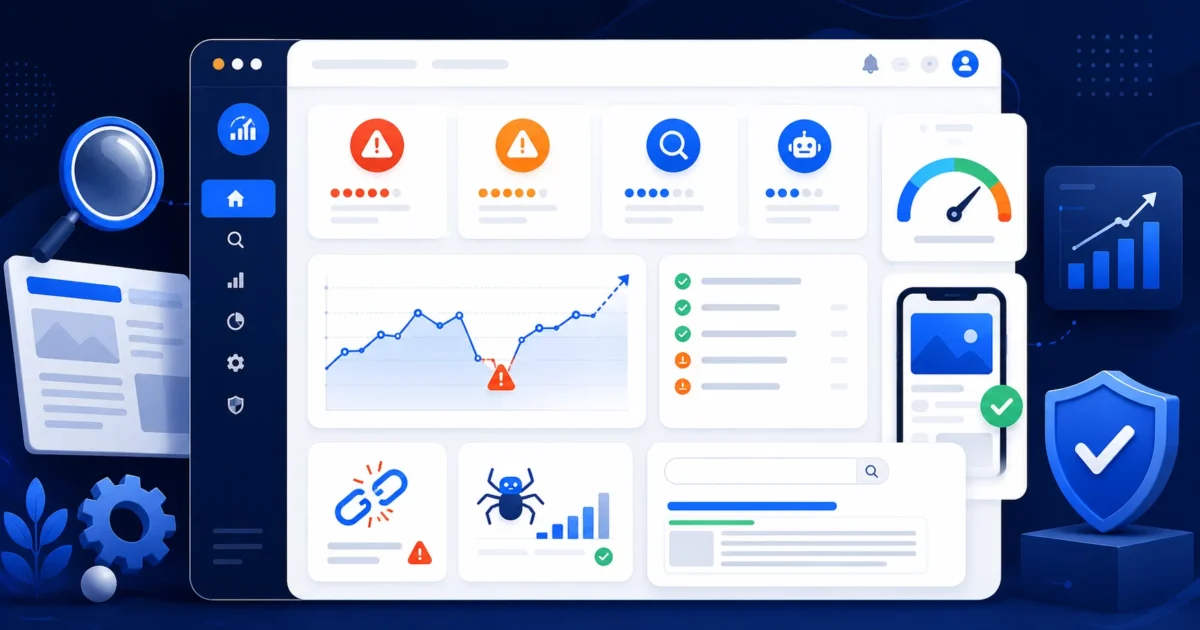
A website SEO checker helps you find the issues that may stop your pages from ranking, getting clicks, or being properly understood by search engines. If your website looks fine on the surface but still struggles to appear in search results, a structured SEO check can show what needs attention.
In this guide, you’ll learn 15 common website SEO issues that can hurt rankings, how to identify them, and how to use the XealBrax SEO Audit Tool to turn those issues into a practical fix list.
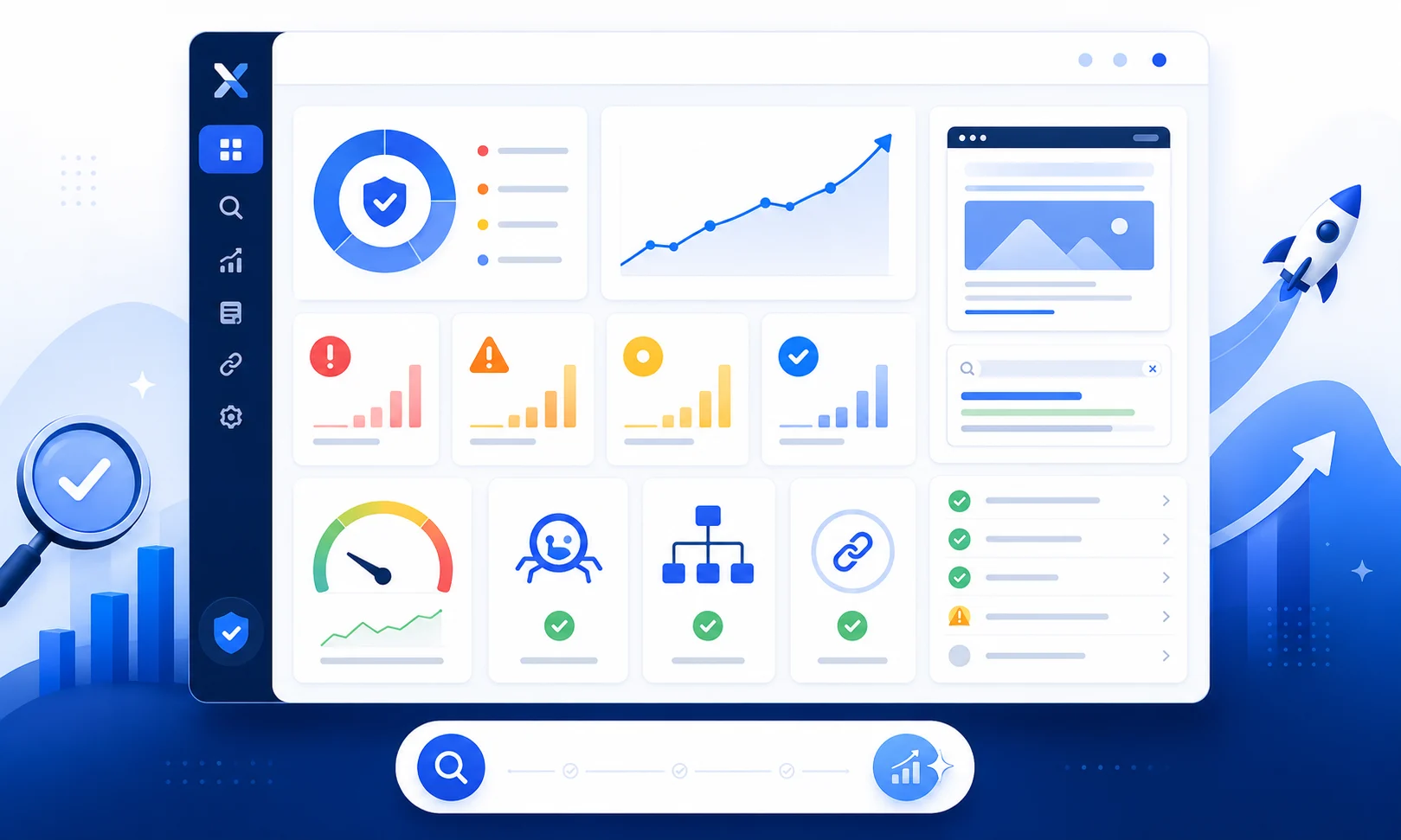
Start here: Use the XealBrax SEO Audit Tool as your website SEO checker to review technical SEO, metadata, speed, mobile usability, and ranking opportunities.
What Is a Website SEO Checker?
A website SEO checker is a tool that scans a website or page and reports issues that may affect search visibility. It can help you check metadata, headings, indexing signals, page speed, mobile usability, internal links, image SEO, and content quality.
Instead of guessing why a page is not ranking, a website SEO checker gives you a structured report. The goal is not just to get a score. The goal is to understand what is blocking visibility and what should be fixed first.
Why Your Website May Not Be Ranking
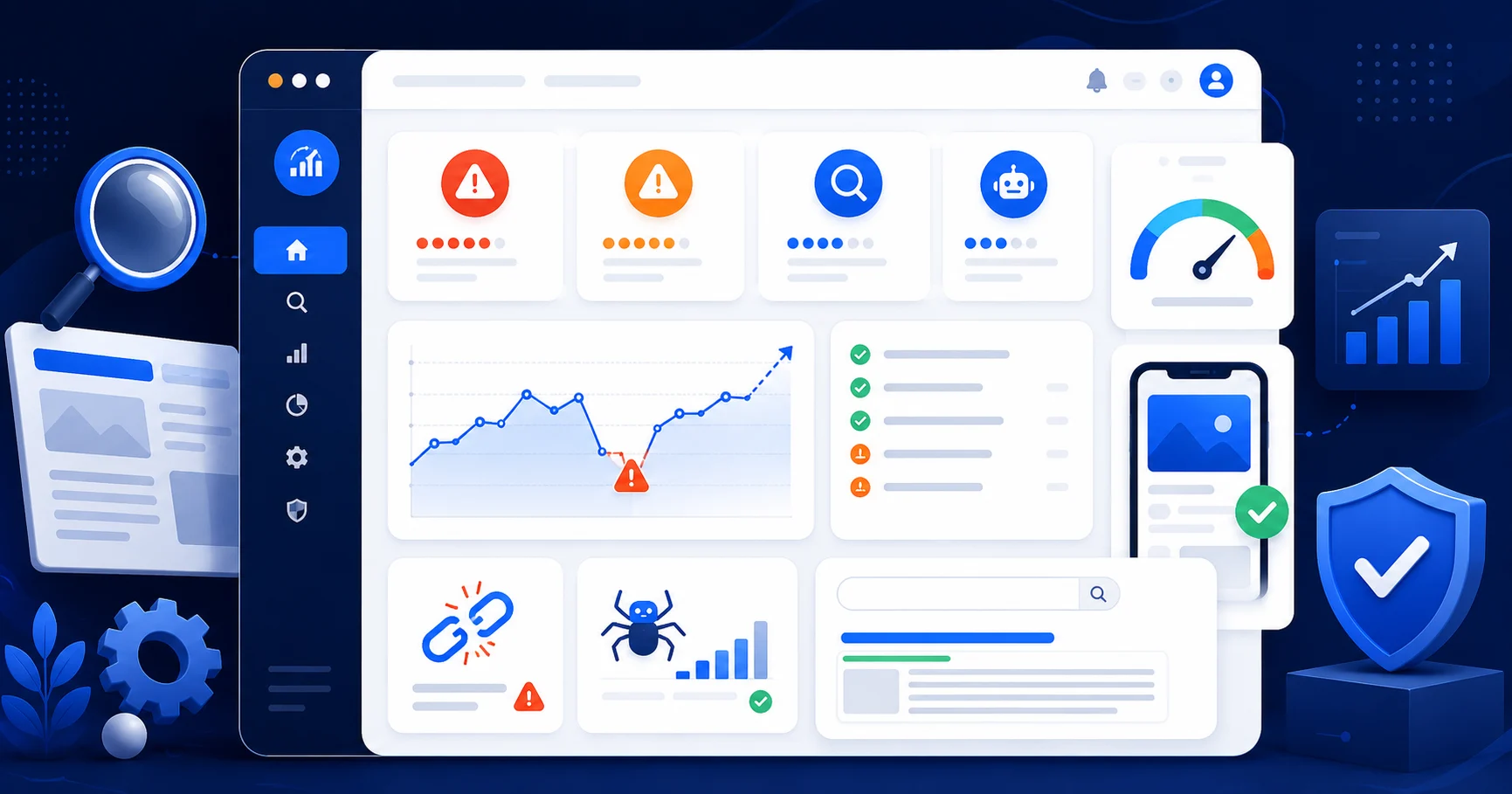
A website can fail to rank for several reasons. Some are technical, such as crawl errors or noindex tags. Others are content-related, such as weak page titles, thin content, poor keyword alignment, or missing internal links.
Ranking problems usually do not come from one single issue. Most websites struggle because several small problems combine into a larger visibility problem. That is why a proper SEO check should look at the full page experience, not just one keyword or one score.
For a deeper foundation, Google’s SEO Starter Guide is a useful reference for understanding how search engines discover, understand, and present web pages.
15 Website SEO Checker Issues That Can Stop Your Site From Ranking
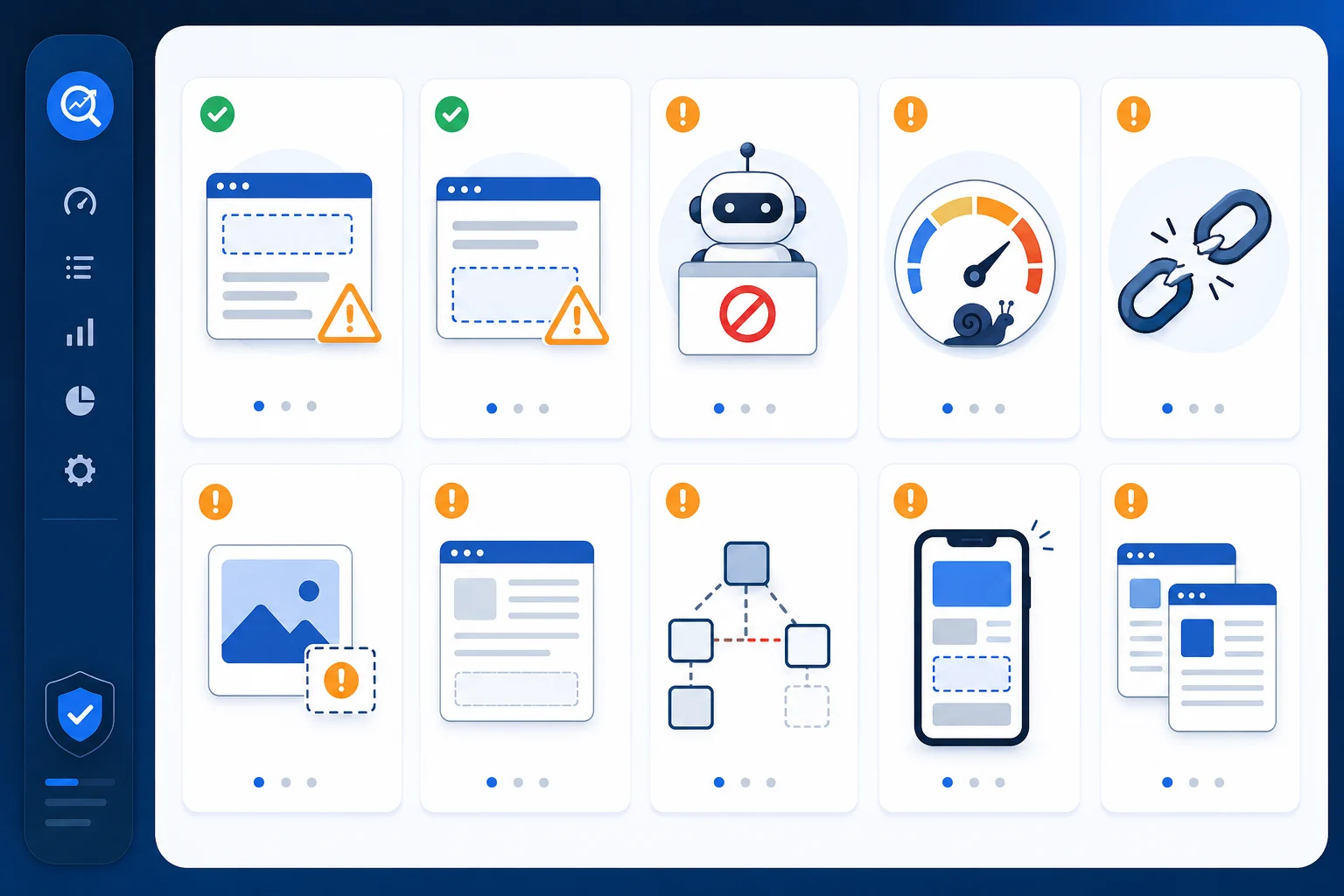
These are the most common issues a website SEO checker can reveal. Fixing them can improve crawlability, page quality, user experience, and ranking potential.
1. Missing or Weak Title Tags
Your title tag is one of the most important on-page SEO elements. It helps search engines and users understand what the page is about. If the title is missing, duplicated, too vague, or too long, the page may struggle to attract clicks.
A strong title tag should be specific, relevant, concise, and aligned with the page’s search intent.
2. Poor Meta Descriptions
A weak meta description may not stop a page from ranking, but it can reduce click-through rate from search results. Searchers need a reason to click your page instead of another result.
Each important page should have a unique description that explains the value of the page clearly.
Need better search snippets?
Use the XealBrax AI Meta Tag Generator to create SEO-friendly titles and meta descriptions for pages, blog posts, tools, services, and product listings.
3. Noindex Tags on Important Pages
A noindex tag tells search engines not to include a page in search results. This is useful for private pages, dashboards, and internal tools, but it is dangerous if applied to pages you want to rank.
Check your important pages to confirm they are indexable.
4. Blocked Pages in Robots.txt
Robots.txt can prevent search engines from crawling certain areas of your website. If important pages are accidentally blocked, search engines may not discover or evaluate them properly.
Your audit should check whether your pages are crawlable and whether important resources are accessible.
5. Slow Page Speed
Slow pages create poor user experience and may reduce conversions. Speed issues often come from oversized images, plugin bloat, render-blocking files, poor caching, or slow hosting response.
You can compare audit findings with PageSpeed Insights to review performance and Core Web Vitals signals.
6. Poor Mobile Usability
If your website is hard to use on mobile, visitors may leave before reading your content or taking action. Mobile usability problems include tiny text, buttons that are difficult to tap, layout shifts, broken menus, and forms that do not work properly.
7. Broken Internal Links
Broken internal links damage user experience and make it harder for search engines to understand your site structure. If an important internal link leads to a 404 page, fix the link or redirect the destination.
8. Weak Internal Linking
Internal links help search engines discover related pages and understand which pages are important. If your best pages are isolated, they may not receive enough internal support.
Link related blog posts, service pages, tool pages, and product pages together in a natural way.
9. Missing Image ALT Text
ALT text supports accessibility and helps search engines understand image context. It should describe the image accurately without keyword stuffing.
Google’s image SEO best practices recommend descriptive filenames, relevant surrounding text, and useful image descriptions.
10. Large or Uncompressed Images
Heavy images can slow down your website. Use compressed images, descriptive filenames, proper dimensions, and modern formats such as WebP.
11. Duplicate or Thin Content
Thin content does not fully answer the user’s search intent. Duplicate content can also confuse search engines when multiple pages compete for the same topic.
Each important page should have a clear purpose, useful depth, and a reason to exist.
12. Poor Heading Structure
Headings make content easier to scan and understand. Your page should normally have one H1, followed by logical H2 and H3 sections.
For WordPress posts, the post title is usually the H1. The body content should begin with paragraphs and H2 sections, not another H1.
13. Weak Search Intent Match
Search intent means the reason behind a search. A page may struggle if it targets the right keyword but gives the wrong type of answer.
For example, a user searching “website SEO checker” likely wants a tool, a checklist, or a practical explanation of what to check. A vague sales page may not satisfy that intent.
14. Missing Calls to Action
SEO should support business goals. If a page gets traffic but gives users no clear next step, you may lose leads, signups, or tool users.
Every important page should guide users toward a relevant action, such as running an audit, generating meta tags, optimizing a product listing, reading a related guide, or booking a service.
15. Unclear Page Purpose
A page that tries to cover too many unrelated topics may confuse users and search engines. Strong pages have a focused topic, clear structure, relevant internal links, and a logical next step.
What a Technical SEO Checker Report Should Show
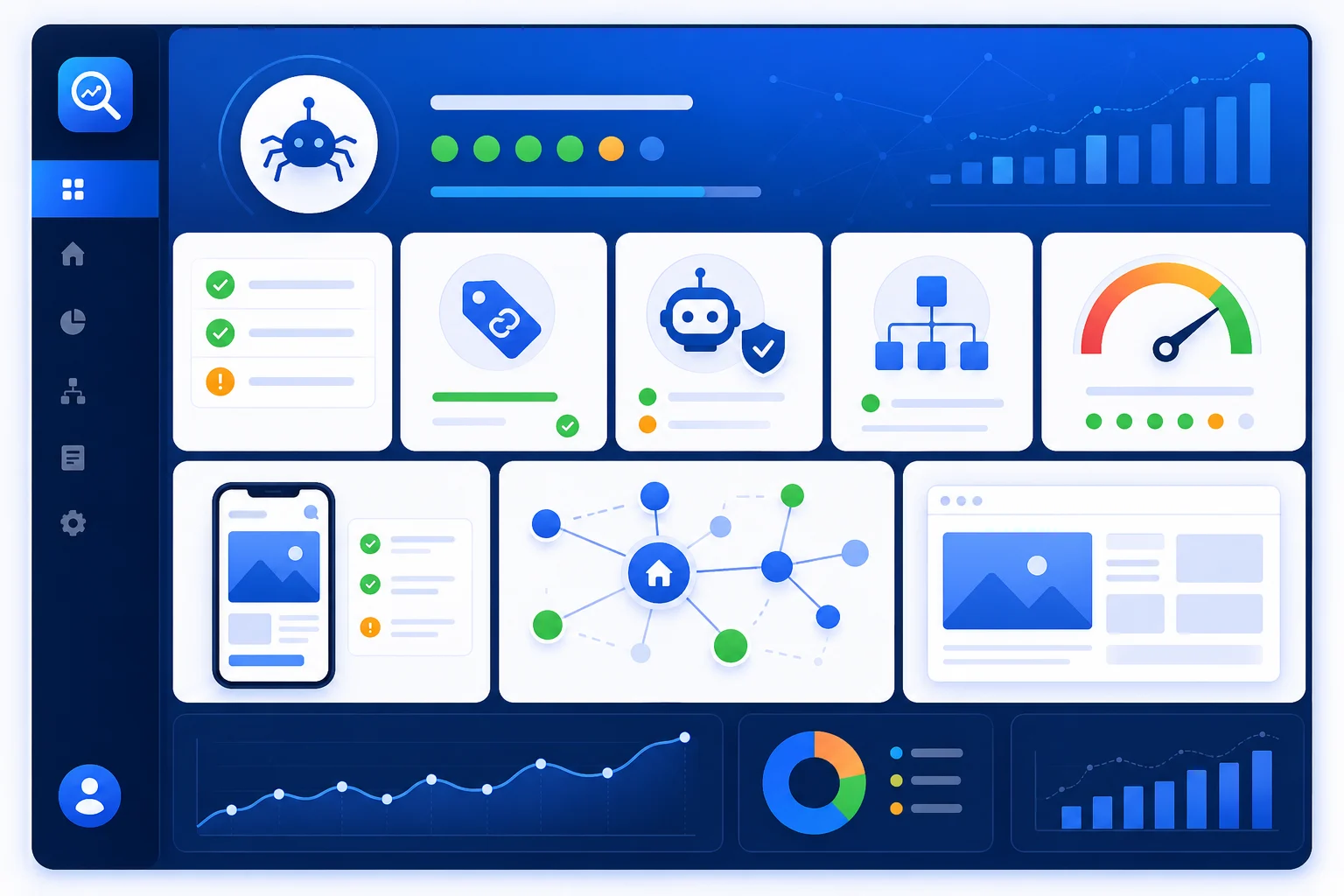
A technical SEO checker should help you understand whether search engines can crawl, understand, and index your website properly. It should also show whether the page experience is strong enough for users.
Useful technical checks include:
- Crawlability
- Indexability
- Canonical tag status
- Robots.txt signals
- Sitemap availability
- Redirect status
- Page speed signals
- Mobile usability
- Internal link structure
- Image optimization
What SEO Issues Should You Fix First?
Not every SEO issue has the same priority. Some problems block search visibility directly, while others improve performance after the critical issues are fixed.
Use this order:
- Indexing blockers: noindex tags, robots.txt blocks, broken canonicals, or inaccessible pages.
- Critical technical errors: broken important pages, redirect loops, server errors, and broken internal links.
- Metadata problems: missing or weak title tags and meta descriptions on important pages.
- Speed and mobile issues: large images, layout shifts, slow loading, and poor mobile usability.
- Content gaps: pages that do not fully answer the search intent.
- Internal linking gaps: important pages that are not connected to related content.
Priority tip
Start with pages that have business value: homepage, service pages, product pages, tool pages, and blog posts already getting impressions in Google Search Console.
How XealBrax Helps You Check and Improve Website SEO
XealBrax is built for businesses, creators, e-commerce brands, and website owners who want practical visibility improvements. The goal is not to overwhelm you with technical terms. The goal is to help you find what matters and act on it.
You can use XealBrax to:
- Run a free SEO audit
- Read the related guide: Free SEO Audit Tool: How to Check Your Website SEO in Minutes
- Create better search snippets with the AI Meta Tag Generator
- Improve product visibility with the Product Listing Optimizer
- Explore all free tools on the XealBrax tools page
- Get support through XealBrax services
Check Your Website SEO Now
Use the XealBrax SEO Audit Tool to find metadata, indexing, speed, mobile usability, link, and content issues that may limit your rankings.
Website SEO Checker Checklist
Before you finish your review, make sure your website SEO checker report covers these areas:
- Page title
- Meta description
- H1 and heading structure
- Indexing status
- Canonical tag
- Robots.txt access
- Sitemap visibility
- Internal links
- Broken links
- Image ALT text
- Image file size and format
- Mobile usability
- Page speed
- Core Web Vitals signals
- Content quality and search intent match
- Call-to-action clarity
Helpful SEO Resources
For deeper technical checks, compare your audit results with trusted resources such as
Google’s SEO Starter Guide,
PageSpeed Insights, and
Google Image SEO Best Practices.
Use these resources alongside the XealBrax SEO Audit Tool to understand page quality, technical performance, image optimization, and ranking opportunities.
FAQ: Website SEO Checker
What is a website SEO checker?
A website SEO checker is a tool that scans a website or page for SEO issues such as weak metadata, indexing problems, slow speed, poor mobile usability, broken links, missing image ALT text, and content gaps.
How do I check if my website has SEO problems?
You can check for SEO problems by running your URL through a website SEO checker, reviewing the report, and prioritizing issues related to indexing, metadata, speed, mobile usability, internal links, and content quality.
Why is my website not ranking on Google?
Your website may not rank because of indexing blockers, weak content, poor keyword targeting, slow page speed, weak internal linking, missing metadata, duplicate content, or technical SEO issues that make the page harder to crawl and understand.
What SEO issues should I fix first?
Fix indexing blockers first, then critical technical errors, weak title tags and meta descriptions, slow pages, poor mobile usability, thin content, broken links, and weak internal linking.
Can a website SEO checker improve rankings?
A website SEO checker does not improve rankings by itself. It identifies issues and opportunities. Rankings may improve when you fix the problems the checker reveals and improve the quality, speed, structure, and usefulness of your pages.
How often should I check my website SEO?
Check important pages at least monthly and after major website changes. For active blogs, e-commerce stores, and service websites, review high-value pages more frequently.

A Personal Note From Collins E. Iyorah, Founder of XealBrax
I built XealBrax because creators, bloggers, and small businesses shouldn’t have to piece together fragmented tools to grow online. Whether you are optimizing your website performance, utilizing our AI-driven utilities, or scaling through our Creator Network, our goal is to give you a transparent, penalty-free path to digital success. If you want a complete look at how we help brands scale, read my personal guide to get started.